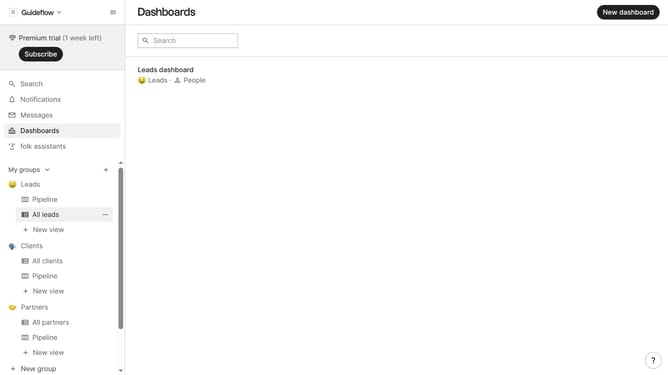
How to show the created at field in a table view in Folk
Here is how to show the created at field in a table view in folk
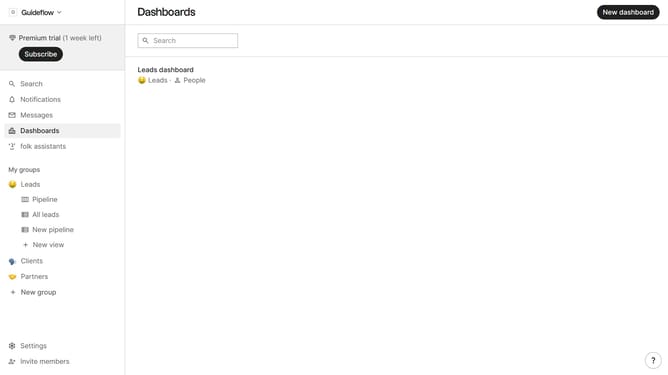
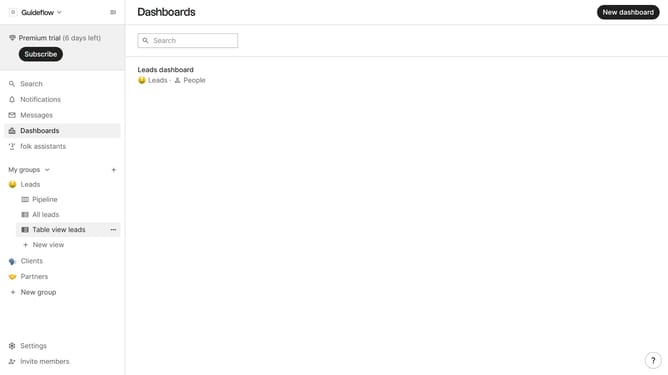
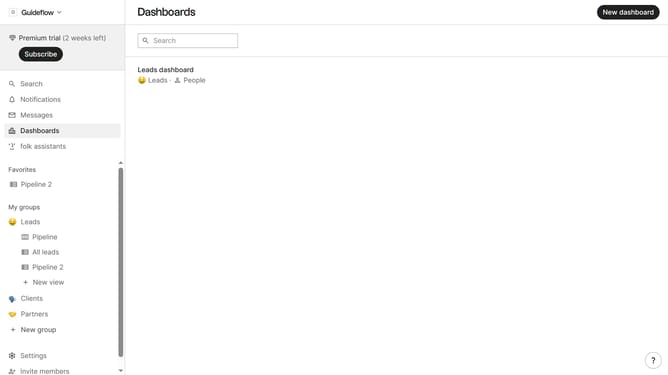
- First, click on a table view where you want to show the created at field
- Then click on the view icon in the top right of the page
- Next, scroll down in the dropdown menu
- Finally click on the "View" icon next to "Created at field" in the dropdown menu
Why should you show the created at field in a table view in Folk
Folk is a dynamic tool designed to streamline and enhance your contact management experience.
One of its powerful features is the ability to showcase the "created at" field directly in a table view.
This capability allows users to easily track when each contact was added, helping to maintain a clear timeline and streamline data organization.
By incorporating the "created at" field in table views, users can effortlessly prioritize follow-ups and ensure no opportunity is missed, boosting overall productivity and efficiency.
Last update