How to remove a view from favorites in Folk
Here is how to remove a view from favorites in folk
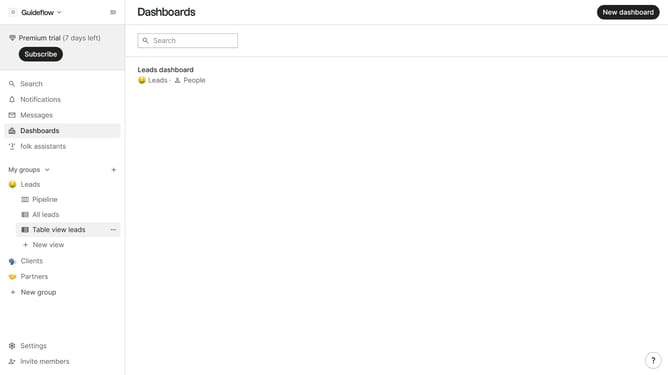
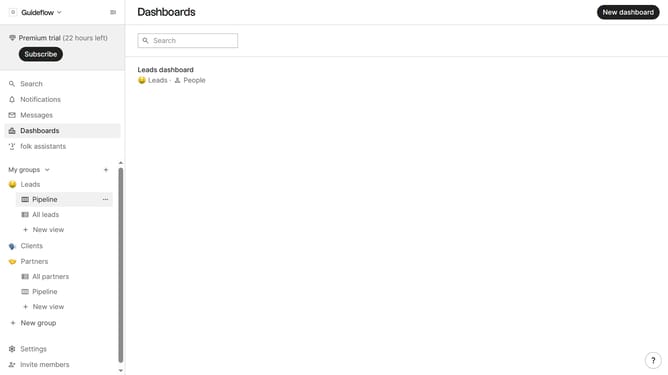
- First hover your mouse cursor over the view that you want to remove from favorites
- Then click on the "three dots" icon next to the view
- Finally click on "Remove from favorites" option
Why should you remove a view from favorites in Folk
Folk is a powerful platform designed to streamline team collaboration and enhance communication efficiency.
Easily managing your favorites in Folk allows you to keep your work organized and clutter-free.
Removing a view from your favorites helps declutter your workspace, ensuring access only to essential resources.
This feature aligns your focus with current priorities, enhancing productivity and maintaining a streamlined workflow for your team.
Last update