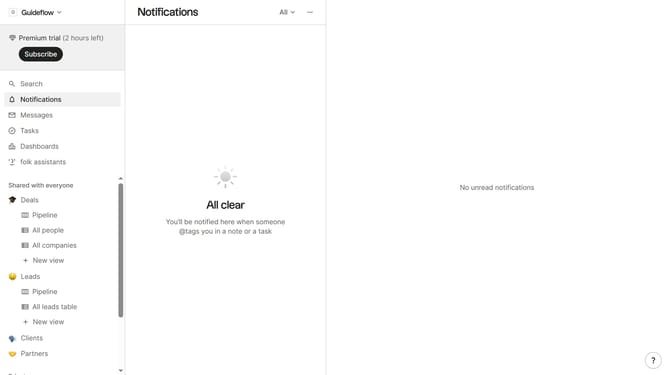
How to show the employee range(company) field in the pipeline in Folk
Here is how to show the employee range(company) field in the pipeline in folk
- First click on the "Pipeline" option in the left sidebar under the group where you want to show the Employee range(company) field
- Then click on the "View" button in the header to view hidden fields
- Next, scroll down in the dropdown menu
- Finally click on the view icon next to the "Employee range(company) field" field in filter options
Why should you show the employee range(company) field in the pipeline in Folk
Folk is a dynamic platform designed to streamline and enhance relationship management.
One valuable feature is the ability to display the employee range (company) field in the pipeline, offering users a clearer understanding of potential client sizes.
By showcasing this information directly within the pipeline, businesses can prioritize interactions and tailor strategies more effectively. This integration not only enhances operational efficiency but also aids in strategic planning and resource allocation.
Ultimately, this feature empowers companies to engage more strategically with their network.
Last update