How to hide the deal value field in a table view in Folk
Here is how to hide the deal value field in a table view in folk
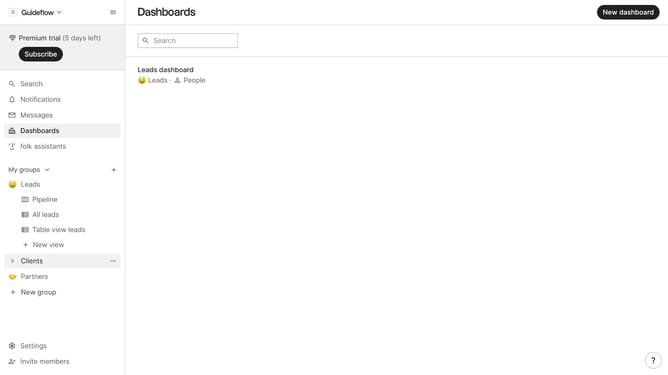
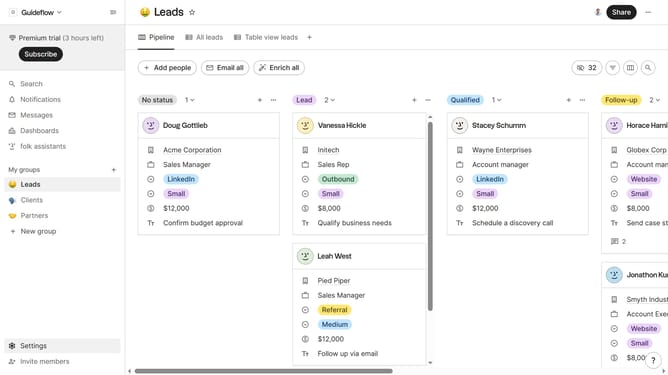
- First, click on a table view where you want to hide the "Deal value field"
- Then click on the view icon in the top right of the page
- Next, scroll down in the dropdown menu
- Finally click on the "Hide" icon next to "Deal value" in the dropdown menu
Why should you hide the deal value field in a table view in Folk
Folk is a dynamic platform designed to streamline team collaboration by offering customizable and intuitive interface solutions.
One of its helpful features allows users to hide the deal value field in table view. This feature provides enhanced control and flexibility over data visibility.
By minimizing unnecessary information, teams can focus on relevant details, keeping the workspace clutter-free and efficient.
It ensures that sensitive financial data remains confidential, benefiting teams that prioritize privacy and streamlined processes.
Last update