How to show the company size field in a table view in Folk
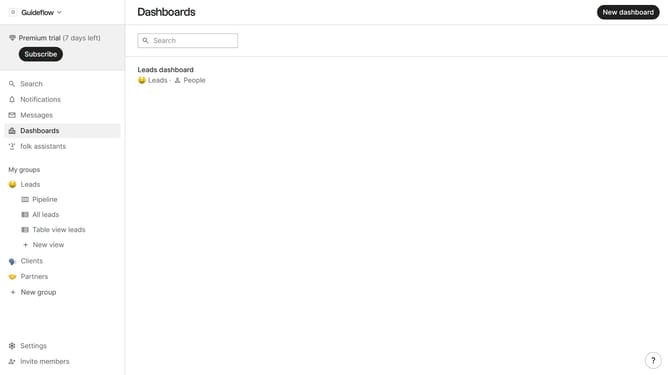
Here is how to show the company size field in a table view in folk
- First, click on a table view where you want to show the company size field
- Then click on the view icon in the top right of the page
- Next, scroll down in the dropdown menu
- Finally click on the "View" icon next to "Company size" in the dropdown menu
Why should you show the company size field in a table view in Folk
Folk is a cutting-edge platform designed to streamline your networking and relationship management processes with ease.
One of its standout features is the ability to customize table views, including adding the company size field. This feature helps you organize and analyze data efficiently, granting you quick access to important company information.
Having the company size visible in your table view allows for instant insights into your network, helping you tailor your interactions and strategies effectively. This feature enhances decision-making and promotes a deeper understanding of your professional relationships.
Last update