How to show the birthday field in a table view in Folk
Here is how to show the birthday field in a table view in folk
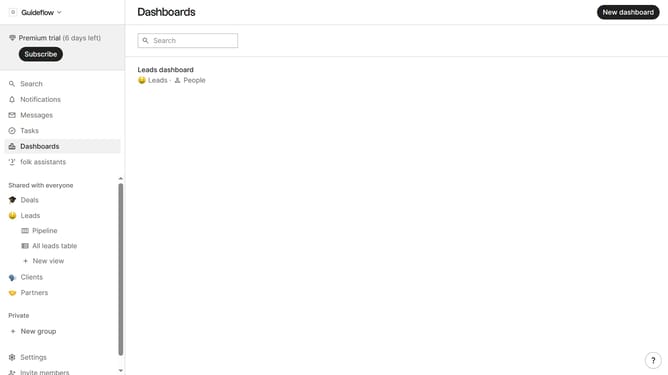
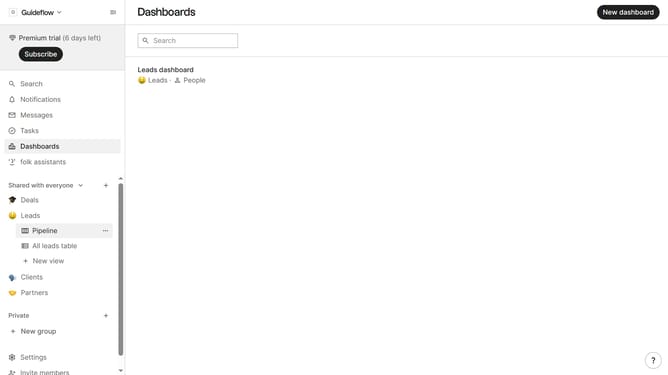
- First, click on a table view where you want to show the birthday field
- Then click on the view icon in the top right of the page
- Next, scroll down in the dropdown menu
- Finally click on the "View" icon next to "Birthday field" in the dropdown menu
Why should you show the birthday field in a table view in Folk
Folk is your go-to tool for streamlining relationship management with ease and efficiency.
Showing the birthday field in a table view on Folk ensures you never miss out on celebrating special days with connections in a personal way.
This feature allows you to effortlessly organize and access birthdays, adding that extra touch of personalization to your interactions.
By keeping track of this important information, you enhance your connectivity and build stronger, more meaningful relationships.
Last update