How to calculate the maximum value in a pipeline column in Folk
Here is how to calculate the maximum value in a pipeline column in folk
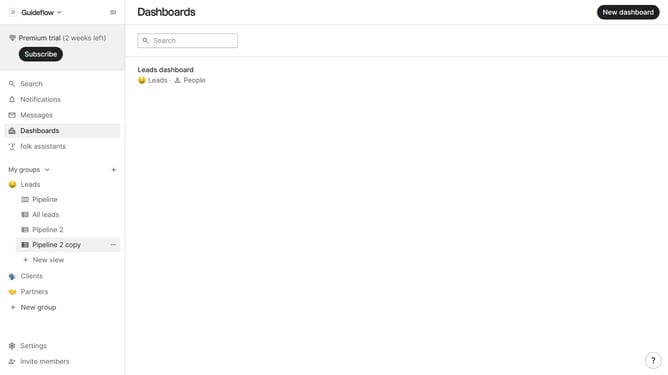
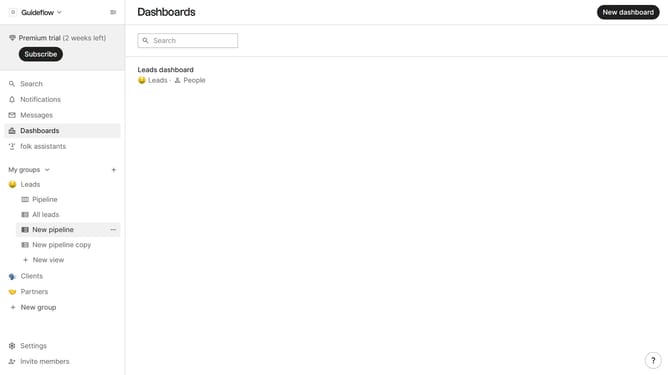
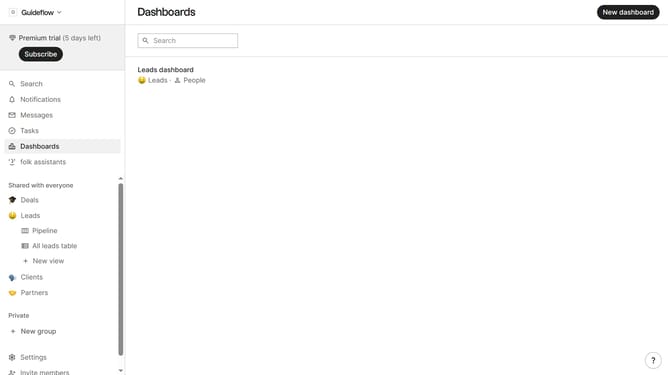
- First, click the "Pipeline" option in the left sidebar under the group where you want to calculate the maximum value value per column
- Then click on the dropdown menu next to a column label
- Next, hover your mouse cursor over the "Maximum" option in the displayed dropdown menu
- Finally, select "Deal value" from the options
Why should you calculate the maximum value in a pipeline column in Folk
Folk is an intuitive platform designed to streamline and enhance data management processes.
Calculating the maximum value in a pipeline column is a powerful feature in Folk that allows users to effortlessly identify peak data points within their datasets. This functionality is especially beneficial for making data-driven decisions by quickly highlighting critical insights and trends.
By leveraging this feature, users can focus more on strategic analysis rather than manual data comparisons. It enhances efficiency and helps maintain a competitive edge through informed decision-making.
Last update