How to show the gender field in a table view in Folk
Here is how to show the gender field in a table view in folk
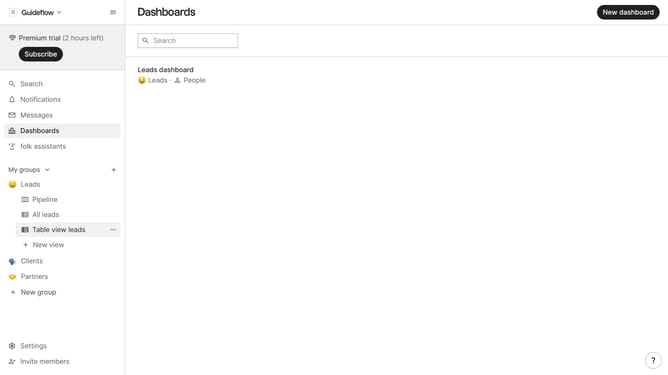
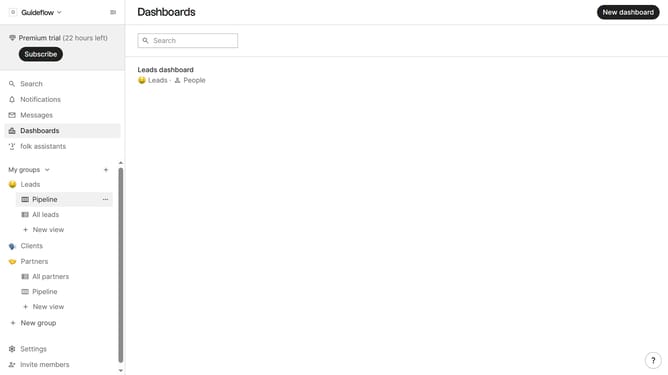
- First, click on a table view where you want to show the gender field
- Then click on the view icon in the top right of the page
- Next, scroll down in the dropdown menu
- Finally click on the "View" icon next to "Gender field" in the dropdown menu
Why should you show the gender field in a table view in Folk
Folk is an innovative tool designed to enhance and streamline contact management processes.
Displaying the gender field in a table view in Folk is a simple yet powerful feature. It allows users to segment and better understand their contacts by gender.
This feature provides a more personalized and tailored approach when interacting with contacts. By viewing this field directly in the table view, users can easily filter and analyze their data.
This enables more strategic decision-making and enhances communication strategies, ultimately leading to more meaningful connections.
Last update