How to sort a table view by URL(company) in Folk
Here is how to sort a table view by url(company) in folk
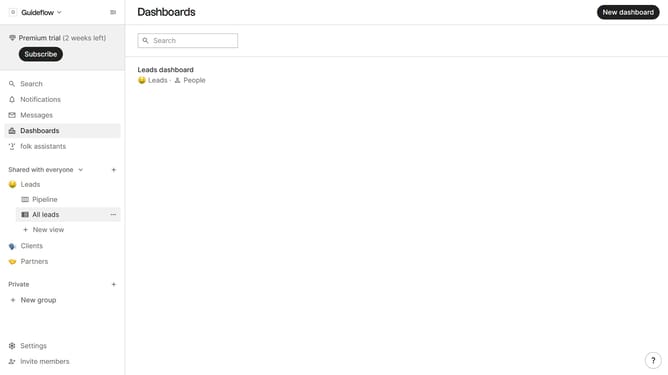
- First, click on the table view where you want to sort by "URL(company)"
- Then click on the sort icon in the header bar
- Next, click on the "Sort by" dropdown button
- Then, scroll down in the dropdown menu
- Finally click on "Url (company)" option in the new dropdown menu
Why should you sort a table view by URL(company) in Folk
Folk is an intuitive platform designed to streamline contact management effortlessly.
One standout feature of Folk is its ability to sort a table view by URL (company). This feature empowers users to organize their data in a way that enhances efficiency and insight.
By sorting by URL, you gain a quick visual overview of all interactions associated with a particular company, allowing you to prioritize engagements and enhance organizational strategies.
This structured approach not only saves time but also optimizes workflow, ultimately driving better business decisions.
Last update