How to hide the groups field in a table view in Folk
Here is how to hide the groups field in a table view in folk
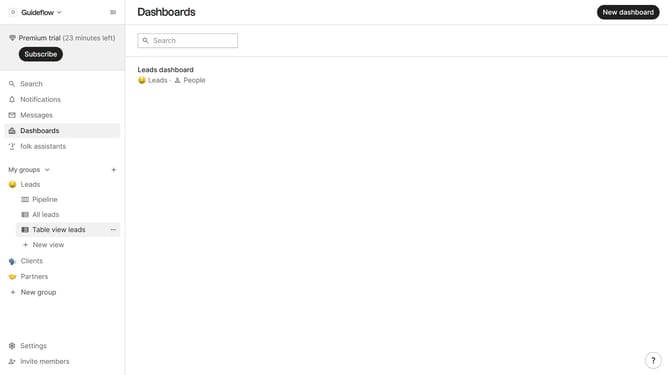
- First, click on a table view where you want to hide the "Groups field"
- Then click on the view icon in the top right of the page
- Next, scroll down in the dropdown menu
- Finally click on the "Hide" icon next to "Groups" in the dropdown menu
Why should you hide the groups field in a table view in Folk
Folk is an intuitive platform designed to streamline team collaboration and data management.
One of its standout features is the ability to hide the groups field in a table view, offering users the flexibility to personalize and simplify their workspace.
By opting to hide this field, users can focus on the most relevant data, enhancing clarity and operational efficiency.
This customization leads to a more organized and productive experience as it reduces visual clutter, allowing teams to concentrate on what truly matters.
Last update