How to hide the funding rased (company) field in a pipeline view in Folk
Here is how to hide the funding rased (company) field in a pipeline view in folk
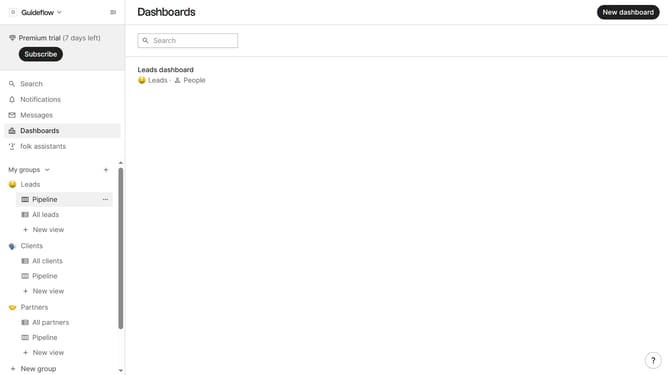
- First, click on a pipeline view where you want to hide the "Funding raised (company) field"
- Then click on the view icon in the top right of the page
- Next, scroll down in the dropdown menu
- Finally click on the "Hide" icon next to "Funding raised (company)" in the dropdown menu
Why should you hide the funding rased (company) field in a pipeline view in Folk
Folk is a versatile platform designed to streamline your workflow and enhance team collaboration.
In Folk, you can optimize your pipeline view by easily hiding the "funding raised (company)" field. This feature offers the flexibility to focus on more pressing or relevant data. It allows you to tailor your workspace according to your specific needs, enhancing productivity.
By utilizing this feature, you minimize distractions and can channel your efforts toward critical tasks, ultimately fostering a more efficient working environment.
Last update