How to delete a chart in Folk
Here is how to delete a chart in folk
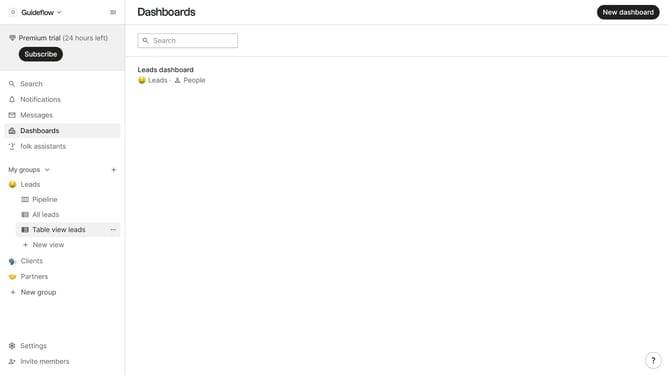
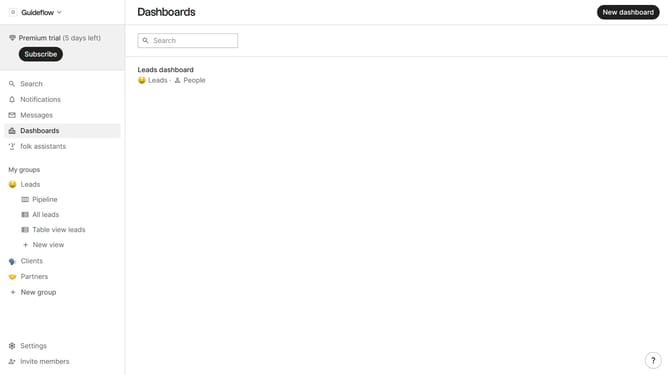
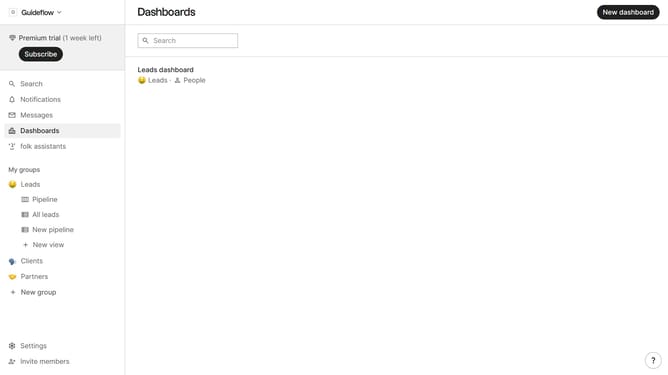
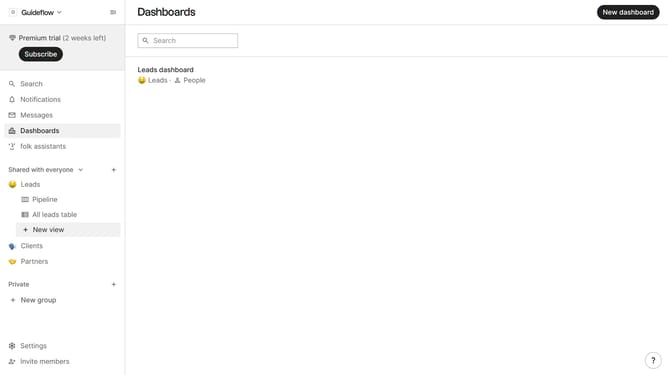
- First click on "Dashboards" item in the left sidebar
- Then click on the dashboard where you want to delete a chart
- Next click on the "..." icon next to the chart that you want to delete
- Then select "Delete..." option
- Finally click on "Delete chart" button to confirm deletion
Why should you delete a chart in Folk
Folk is a versatile platform designed to simplify your data management and collaboration needs.
Deleting a chart in Folk is intuitive and quick. This feature empowers users to keep their workspace clean and relevant, ensuring that only pertinent data visualizations remain.
By removing unnecessary charts, users can focus on the most crucial insights and enhance productivity.
The ability to efficiently manage charts contributes to a streamlined workflow, making Folk an exceptional tool for data-savvy teams.
Last update