How to show the industry(company) field in the pipeline in Folk
Here is how to show the industry(company) field in the pipeline in folk
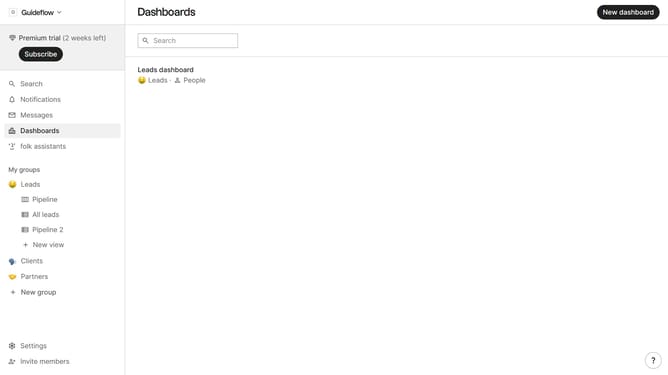
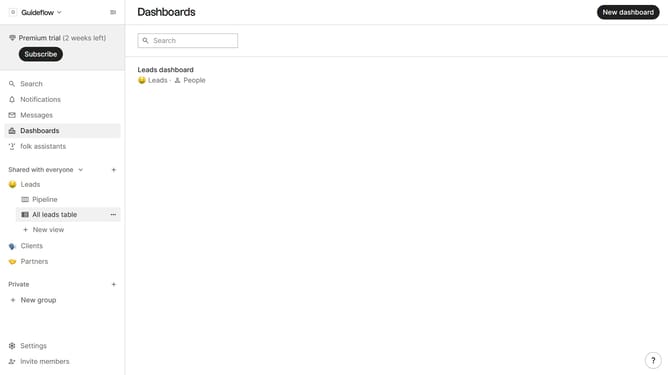
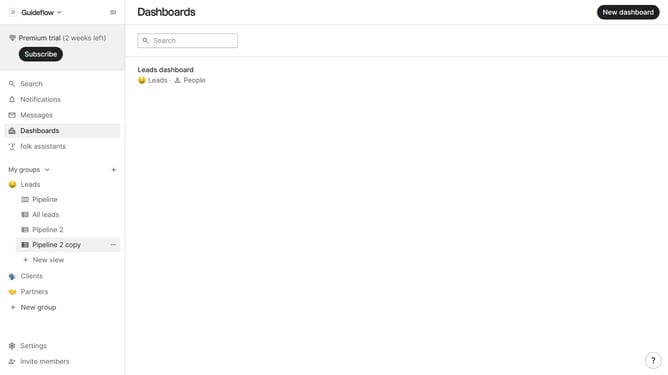
- First click on the "Pipeline" button in the left sidebar under the group where you want to show the Industry(company) field
- Then click on the "VIew" button in the top menu
- Next, scroll down in the dropdown menu
- Finally, click on the eye icon next to "Industry (company)" in the dropdown menu
Why should you show the industry(company) field in the pipeline in Folk
Folk is a versatile platform designed to streamline team collaboration and contact management effortlessly.
One notable feature of Folk is the ability to display the industry or company field in your pipeline. This feature acts as a critical organizational tool, allowing users to categorize and identify contacts or leads based on their specific industries swiftly.
This categorization facilitates more targeted communication, enabling teams to tailor their approach and strategy to suit each industry, ultimately enhancing partnerships and sales strategies.
Last update