How to create an outbound ratio chart in Folk
Here is how to create an outbound ratio chart in folk
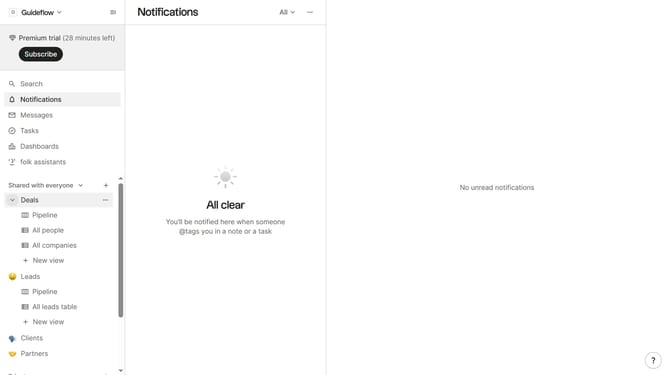
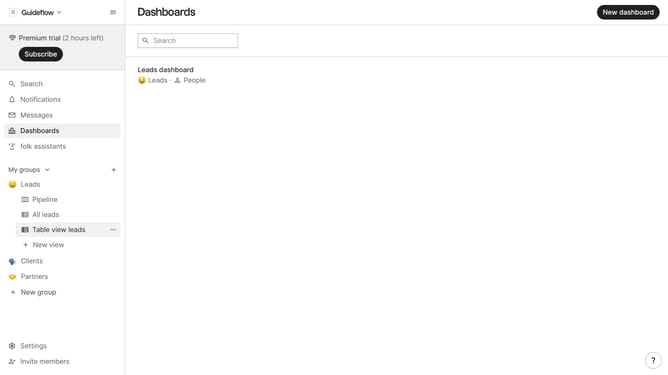
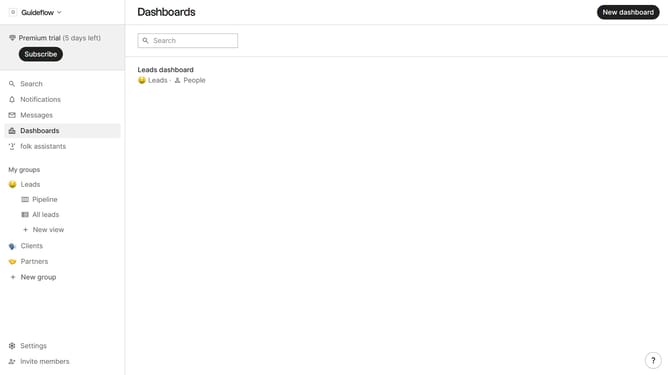
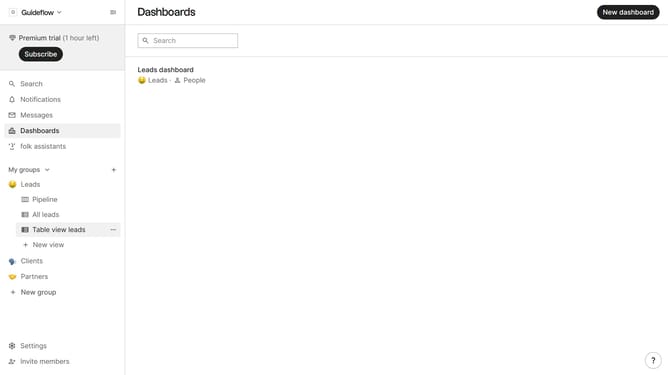
- First, click on the "Dashboards" item in the left sidebar
- Then click on the dashboard where you want to create an outbound ratio chart
- Next, click on the "Add chart" button in the top right corner
- Next click on the "Measure" dropdown option
- Then hover your mouse cursor over the "Ratio" option
- After that, hover your mouse cursor over the "Channel" option
- Then, click on the "Outbound" button
- Finally click on the "Save" button
Why should you create an outbound ratio chart in Folk
Folk is a dynamic platform designed to streamline team collaboration through seamless data integration.
Creating an outbound ratio chart in Folk allows teams to effortlessly visualize communication patterns and optimize outreach strategies. By turning raw data into insightful visuals, Folk helps you pinpoint effective communication channels and tactics.
This feature empowers users to make data-driven decisions, enhancing productivity and improving overall team performance. Leveraging such insights is integral for organizations aiming for enhanced operational efficiency.
Last update