How to create a company vertical count metric chart in Folk
Here is how to create a company vertical count metric chart in folk
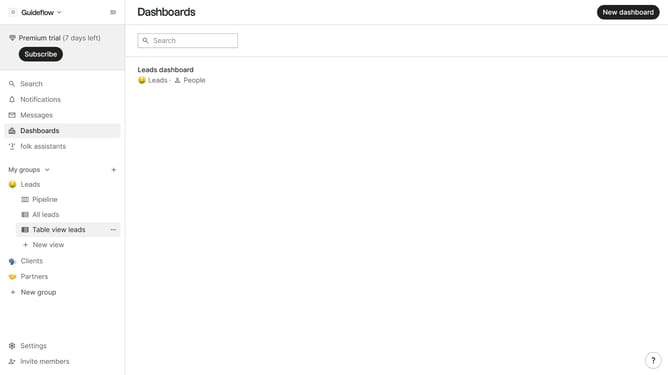
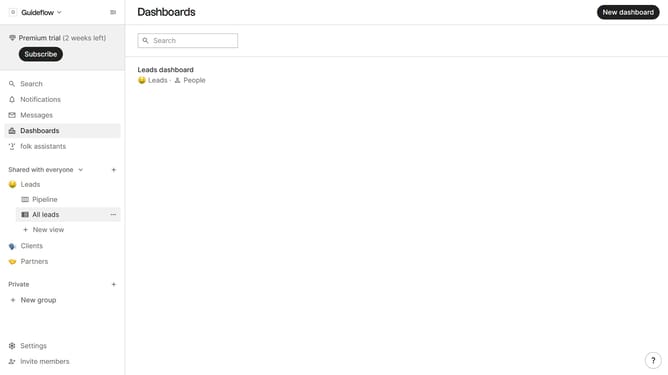
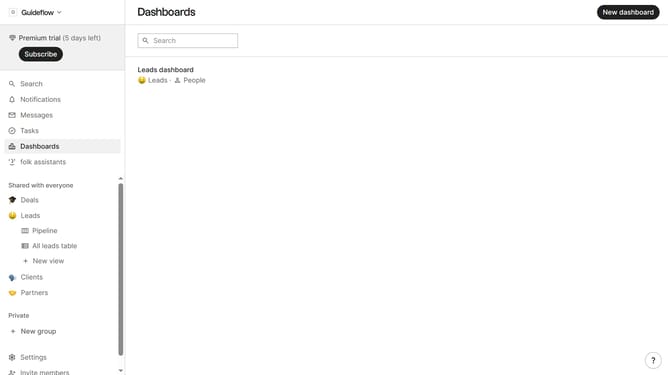
- First click on the dashboard where you want to create company vertical count metric chart
- Then click on the "Add chart" button in the top right corner
- Then click on the "Measure" dropdown option
- Next hover your mouse cursor over the "Count" option
- Next click on "Company vertical" in the dropdown menu
- Finally click on the "Save" button to confirm
Why should you create a company vertical count metric chart in Folk
Folk is a dynamic tool designed for seamless contact management and insightful data analysis.
Creating a company vertical count metric chart in Folk expands your business insights by enabling a clear visualization of industry-specific data.
This feature allows you to classify and quantify companies across various sectors, enhancing strategic decision-making.
By leveraging this powerful chart, you will gain a more profound understanding of market trends and opportunities, ultimately fostering informed growth strategies.
Last update