How to show the phone numbers field in a table view in Folk
Here is how to show the phone numbers field in a table view in folk
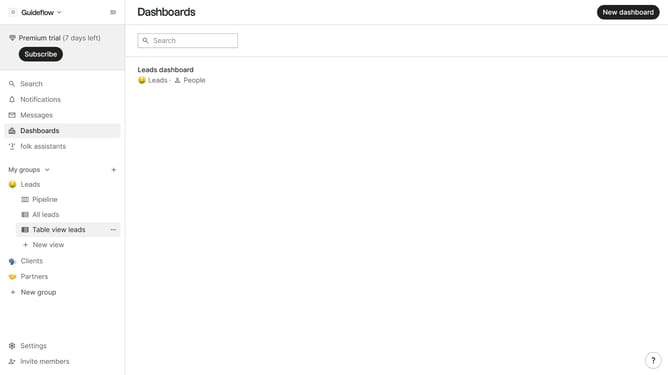
- First, click on a table view where you want to show the phone numbers field
- Then click on the view icon in the top right of the page
- Finally click on the "View" icon next to "Phone numbers" in the dropdown menu
Why should you show the phone numbers field in a table view in Folk
Folk is an intuitive platform designed to streamline contact management and enhance collaboration.
Displaying phone numbers in a table view within Folk is a powerful feature that enhances visibility and accessibility of crucial contact details.
This feature transforms the way teams access information, making contact data readily available at a glance.
By utilizing this function, teams can improve their workflow efficiency, ensuring that important phone number information is easily managed and accessible.
Last update