How to show the addresses(company) field in the pipeline in Folk
Here is how to show the addresses(company) field in the pipeline in folk
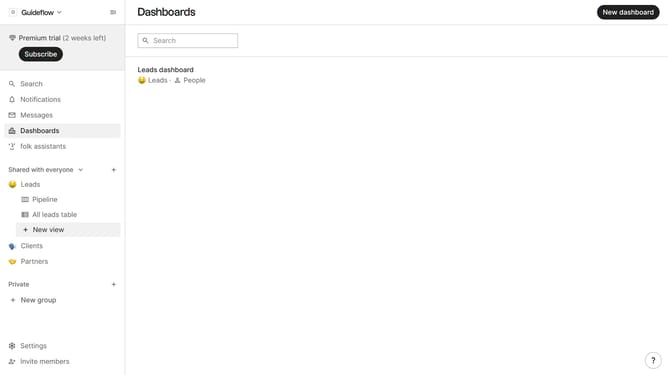
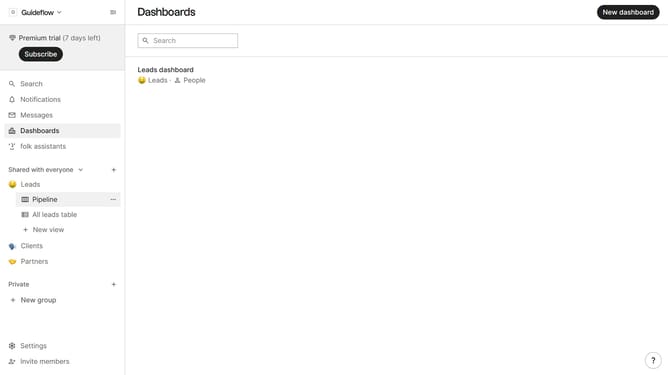
- First, in the left sidebar menu, click on the "Pipeline" option under the group where you want to show the "Addresses(company)" field
- Next, click on the "View" icon in the top menu
- Then, scroll down in the dropdown menu
- Finally, within the dropdown menu, click on the "View" icon next to "Addresses (company)"
Why should you show the addresses(company) field in the pipeline in Folk
Folk is a powerful tool designed to streamline contact management and enhance collaboration effortlessly.
Adding the addresses(company) field in the pipeline within Folk allows users to easily access vital company information at a glance. This feature lets you quickly see where contacts are based, facilitating smoother communication and more informed decision-making.
Integrating the addresses field enhances the ability to effectively organize and manage pipelines by location, boosting efficiency and allowing for more targeted business strategies. This streamlined approach is invaluable for teams aiming to maximize productivity and foster growth through better organizational insight.
Last update