How to hide the company size field in a pipeline view in Folk
Here is how to hide the company size field in a pipeline view in folk
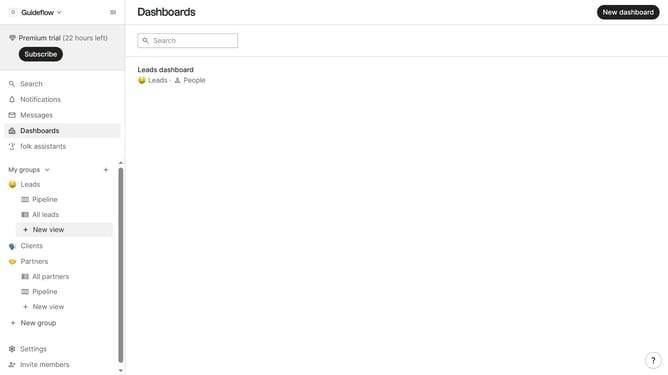
- First, click on a pipeline view where you want to hide the "Company size field"
- Then click on the view icon in the top right of the page
- Next, scroll down in the dropdown menu
- Finally click on the "Hide" icon next to "Company size" in the dropdown menu
Why should you hide the company size field in a pipeline view in Folk
Folk is an innovative platform designed to streamline contact management and enhance workflows.
One of its useful features is the ability to hide the 'company size' field in a pipeline view. This feature offers flexibility to users by allowing them to tailor their view to their specific needs.
By hiding irrelevant data, you can improve focus on what's truly important, making your pipeline cleaner and more efficient. This not only simplifies processes but enhances productivity through a clutter-free interface.
Last update