How to hide the closed date field in a table view in Folk
Here is how to hide the closed date field in a table view in folk
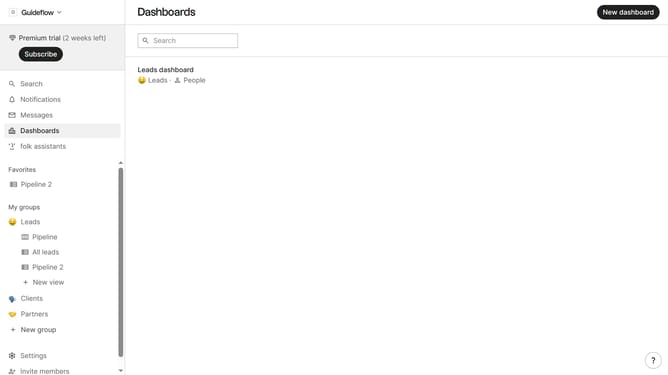
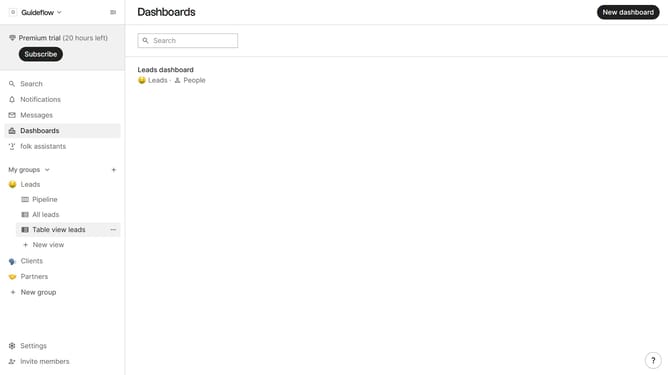
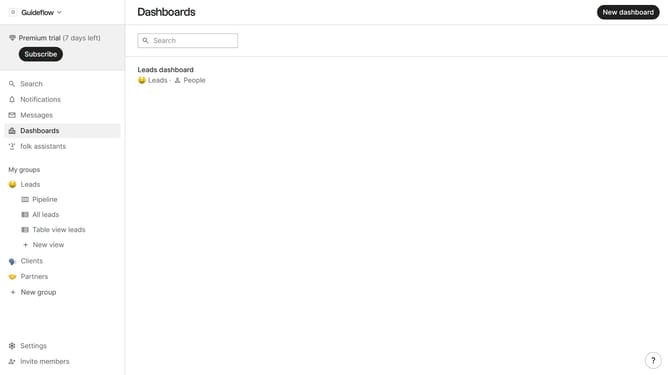
- First, click on a table view where you want to hide the "Closed date field"
- Then click on the view icon in the top right of the page
- Next, scroll down in the dropdown menu
- Finally click on the "Hide" icon next to "Closed date" in the dropdown menu
Why should you hide the closed date field in a table view in Folk
Folk is a dynamic platform designed to streamline and organize team interactions effortlessly.
A key feature of Folk is the ability to hide the closed date field in a table view, which is particularly useful for users looking to declutter their workspace and focus on the most relevant data.
This feature not only simplifies the visual interface but also enhances productivity by allowing team members to concentrate on active tasks and collaborations. By minimizing distractions, it ensures that users can manage their workflow more efficiently.
Last update