How to show the close date field in the pipeline in Folk
Here is how to show the close date field in the pipeline in folk
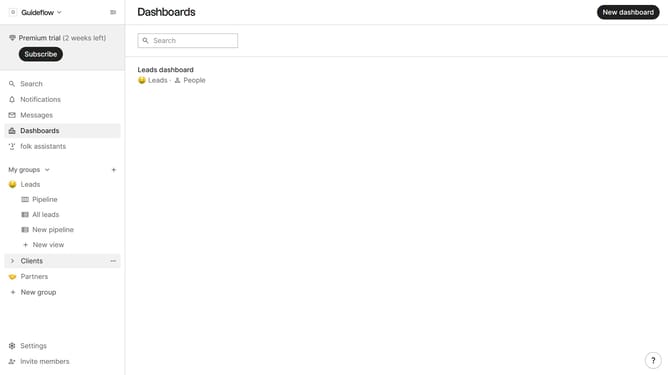
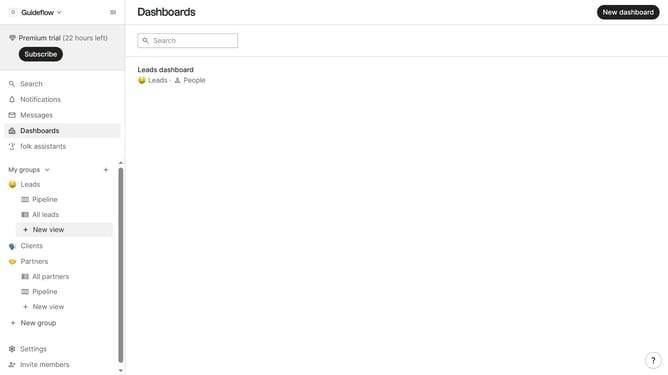
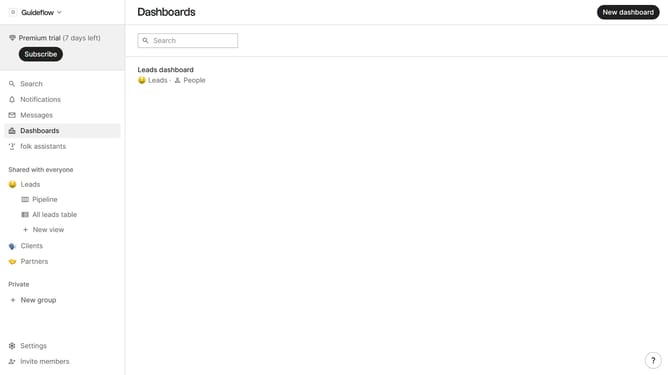
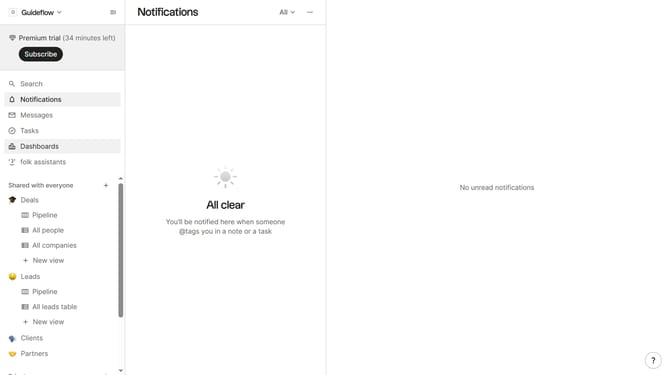
- First click on "Pipeline" in the left sidebar under the group where you want to show the Close date field
- Then click on the "View" button in the top menu
- Next scroll down in the dropdown menu
- Finally click on the "View" icon next to the "Closed date" field
Why should you show the close date field in the pipeline in Folk
Folk is an intuitive platform designed to streamline your team's collaborative efforts and enhance workflow efficiency.
The ability to display the close date field in the pipeline within Folk allows teams to maintain an eagle-eye view on project timelines.
This feature not only ensures deadlines are met but also aids in forecasting project progress, enabling teams to allocate resources and adjust strategies for maximum impact.
By utilizing this feature, teams can effortlessly improve productivity and maintain seamless coordination throughout project lifecycles.
Last update