How to sort a table view by foundation year(company) in Folk
Here is how to sort a table view by foundation year(company) in folk
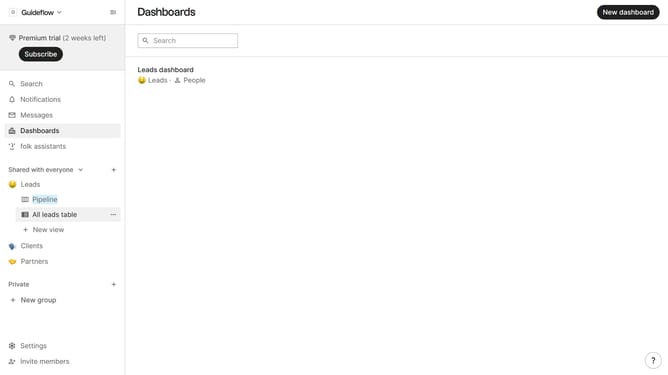
- First, click on the table view where you want to sort by "Foundation year(company)"
- Then click on the sort icon in the header
- Next, click on the "Sort by" dropdown button
- Then, scroll down in the dropdown menu
- Finally select "Foundation year (company)" from the list of fields
Why should you sort a table view by foundation year(company) in Folk
Folk is a powerful tool designed to streamline collaborative project management with ease.
Sorting a table view by foundation year in Folk is a valuable feature that enhances data organization. This allows users to quickly identify and analyze companies based on their establishment timeline.
By leveraging this feature, users can efficiently prioritize data and understand market trends. This leads to informed decision-making and a streamlined workflow, ultimately boosting productivity.
Last update