How to hide the companies field in a table view in Folk
Here is how to hide the companies field in a table view in folk
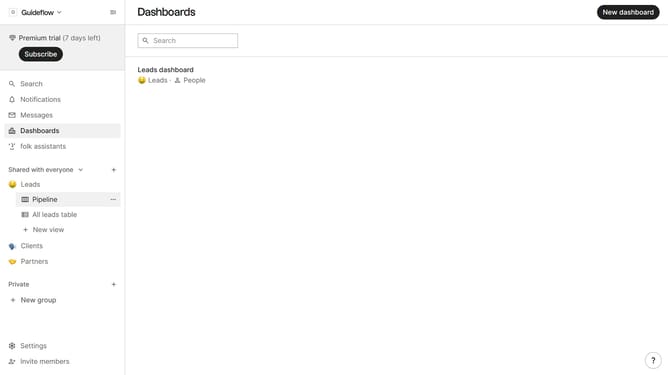
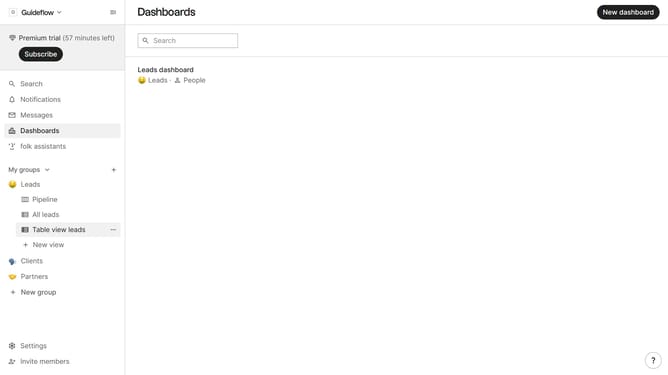
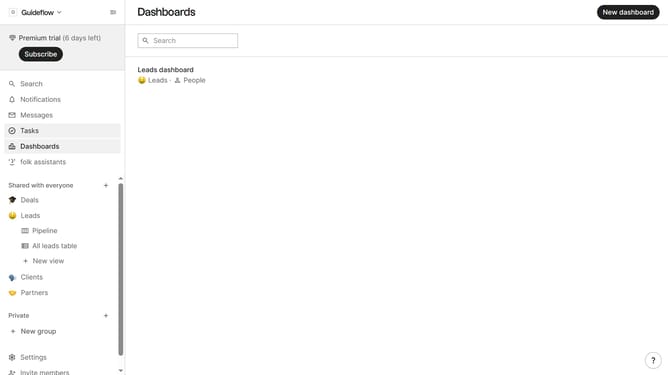
- First, click on a table view where you want to show the companies field
- Then click on the view icon in the top right of the page
- Finally click on the "Hide" icon next to "Companies" in the dropdown menu
Why should you hide the companies field in a table view in Folk
Folk is a dynamic collaboration platform designed to simplify and enhance networking and contact management.
In Folk, you can customize your table view to suit your preferences, including the ability to hide the companies field. This feature allows users to streamline their workspace, focusing more on the information they find most relevant.
Hiding the companies field can lead to a cleaner, more readable table, which in turn enhances productivity. Users can ensure that their workspace aligns with their current goals by eliminating distractions.
Overall, this capability empowers users to tailor their experience, making information management more efficient and enjoyable.
Last update