How to hide the strongest connection field in a table view in Folk
Here is how to hide the strongest connection field in a table view in folk
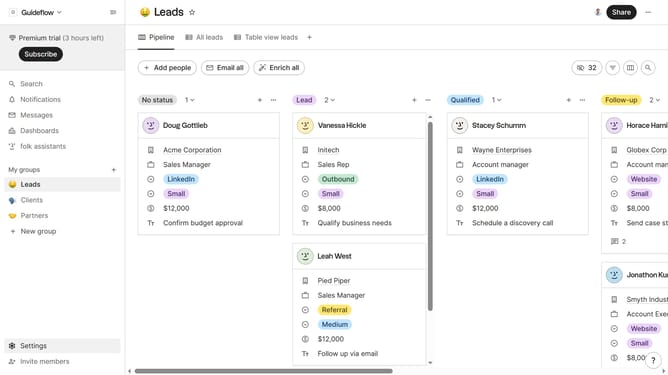
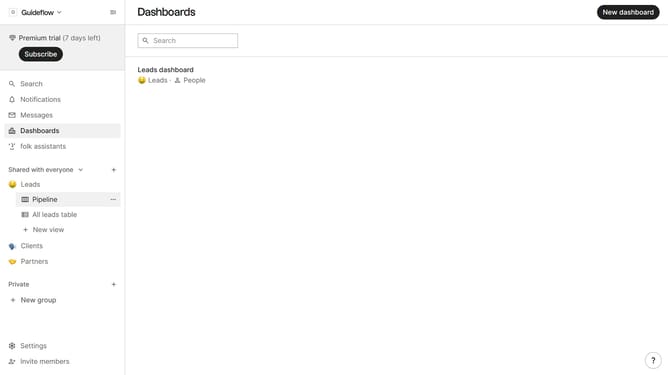
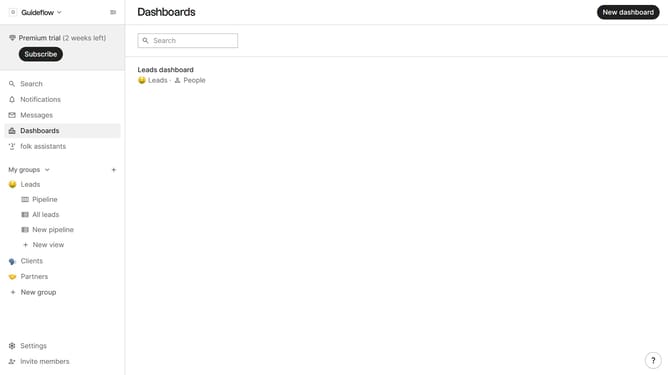
- First, click on a table view where you want to hide the "Strongest connection field"
- Then click on the view icon in the top right of the page
- Finally click on the "Hide" icon next to "Strongest connection" in the dropdown menu
Why should you hide the strongest connection field in a table view in Folk
Folk is a dynamic platform designed to streamline team collaboration and contact management with efficiency and ease.
Hiding the strongest connection field in a table view in Folk allows for a more customized and focused overview of your team’s interactions. This feature is perfect for fine-tuning your workspace to highlight specific data points that matter most to your project objectives.
By selectively concealing certain fields, you enable a cleaner, less cluttered interface, which not only enhances productivity but also optimizes decision-making by prioritizing essential information.
Last update