How to sort a table view by first name in Folk
Here is how to sort a table view by first name in folk
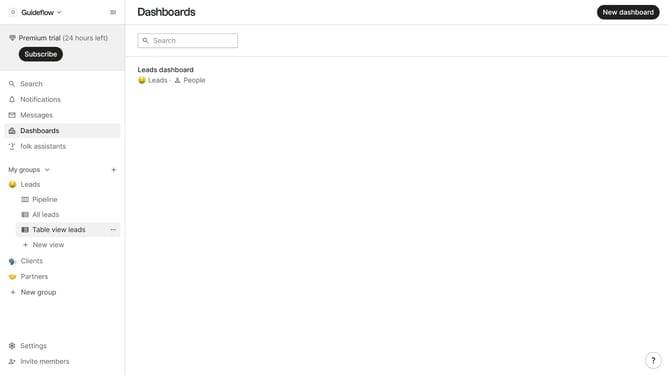
- First, click on the table view where you want to sort by "First name"
- Click on the sort icon in the top menu
- Next, click on the "Sort by" dropdown button
- In the opened dropdown, scroll down to view more options
- Finally, click on "First name" in the dropdown list
Why should you sort a table view by first name in Folk
Folk is a dynamic platform designed to streamline team collaboration and contact management.
One of its standout features is the ability to sort a table view effortlessly by first name. This feature is particularly beneficial when you need to organize contacts quickly, enhancing your efficiency.
By sorting by first name, you can easily locate individuals, facilitating smoother communication and faster decision-making processes.
Overall, this intuitive sorting function in Folk ensures your workflow remains organized and stress-free.
Last update