How to show the status field in a table view in Folk
Here is how to show the status field in a table view in folk
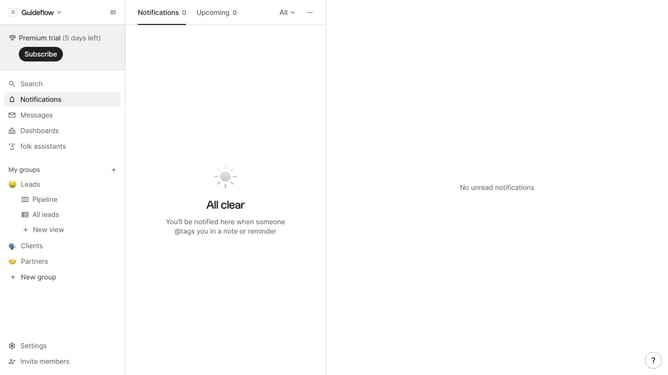
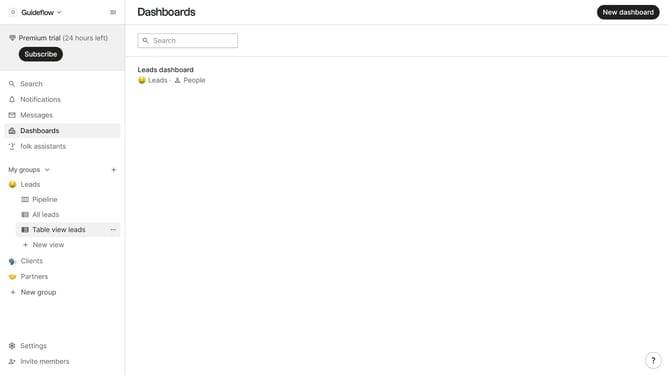
- First, click on a table view where you want to show the status field
- Then click on the view icon in the top right of the page
- Next, scroll down in the dropdown menu
- Finally click on the "View" icon next to "Status" in the dropdown menu
Why should you show the status field in a table view in Folk
Folk is a dynamic platform designed to streamline and enhance team collaboration and resource organization.
By enabling the status field in a table view, Folk allows users to gain immediate insight into project progress with a simple glance.
This feature elevates the visibility of task statuses, ensuring team members remain aligned and work efficiently.
Utilizing the status field not only boosts productivity but also fosters a more transparent workflow environment, keeping everyone connected and informed.
Last update