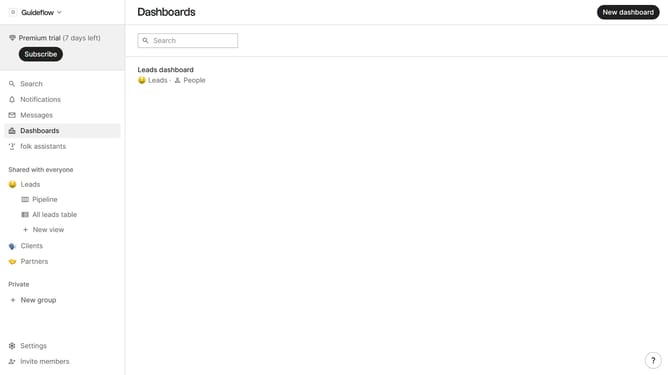
How to hide the emails field in a table view in Folk
Here is how to hide the emails field in a table view in folk
- First, click on a table view where you want to hide the emails field
- Then click on the view icon in the top right of the page
- Finally click on the "Hide" icon next to "Emails field" in the dropdown menu
Why should you hide the emails field in a table view in Folk
Folk is a collaborative tool designed to enhance your team's productivity by organizing contacts and information seamlessly.
Easily hiding the emails field in a table view within Folk allows for a cleaner, more focused display of relevant data. This feature ensures that sensitive email information is kept private and only shared with those who truly need to access it.
Using this feature contributes to enhanced data privacy, improved organization, and a streamlined workspace, making it easier to concentrate on the most pertinent information at any given time.
Last update