How to group pipeline by company vertical in Folk
Here is how to group pipeline by company vertical in folk
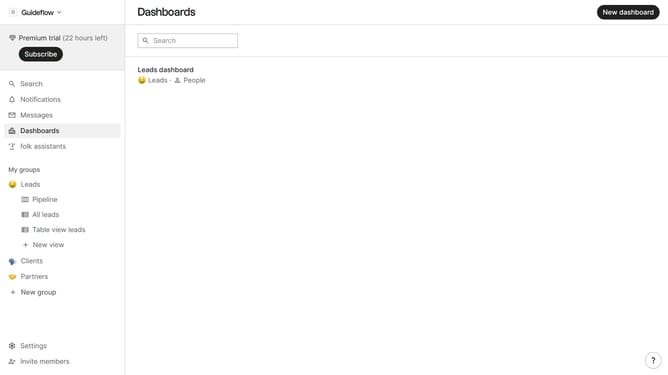
- First, click the "Pipeline" option in the left sidebar under the group where you want to group by company vertical
- Then click on the board view icon at the top of the page
- Finally select "Company vertical" from the dropdown menu in the main section
Why should you group pipeline by company vertical in Folk
Folk is a dynamic platform designed to streamline and enhance the way businesses manage their pipelines.
Grouping your pipeline by company vertical in Folk is a powerful feature that provides clarity and focus. By categorizing opportunities based on company verticals, it allows teams to tailor strategies effectively and track progress in a more organized manner.
This feature enhances decision-making by offering a clear overview of vertical-specific trends, leading to more targeted actions. It facilitates better resource allocation, ensuring efforts are aligned with strategic objectives, ultimately driving business success.
Last update