How to set the appearance to system preference in Folk
Here is how to set the appearance to system preference in folk
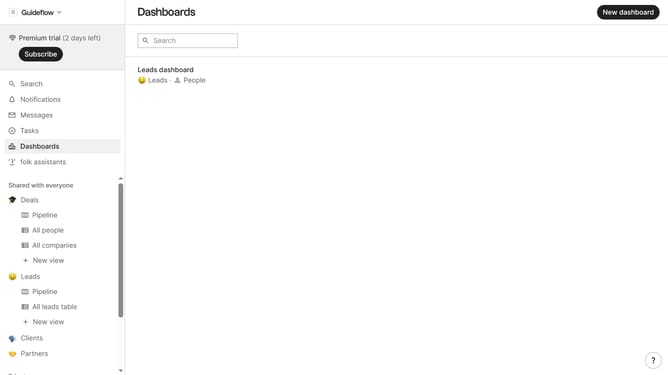
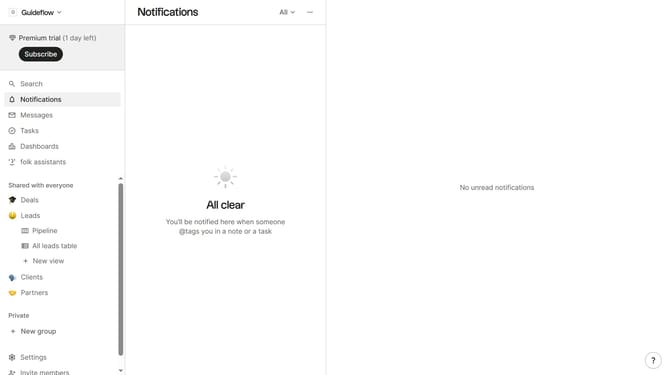
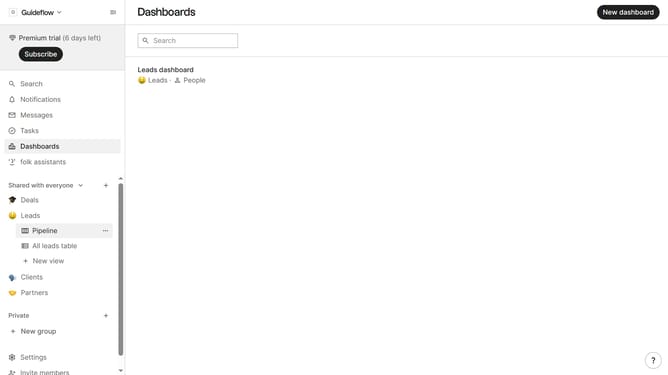
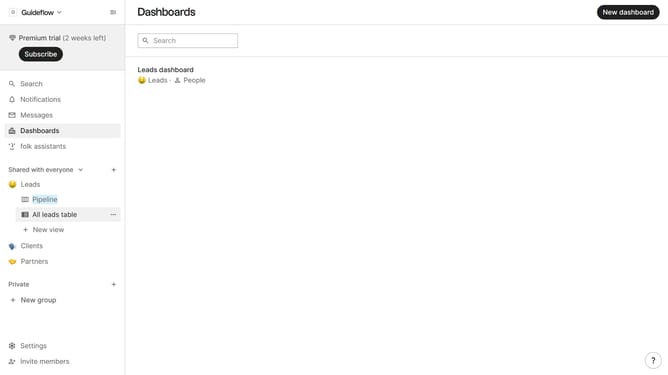
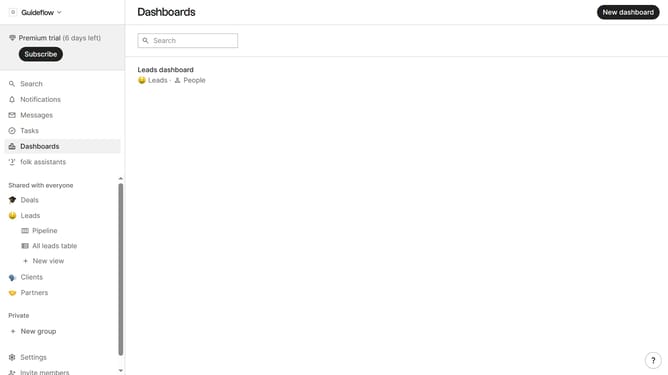
- First click on "Settings" in the left sidebar
- Then click on the "Appearance" dropdown menu in the main content area
- Finally, select "System preference" from the dropdown list
Why should you set the appearance to system preference in Folk
Folk is a dynamic platform designed to streamline communication and enhance organizational efficiency.
Setting the appearance to system preference in Folk ensures a seamless visual transition aligned with your device's theme.
This feature enhances user comfort by providing consistent aesthetics, reducing eye strain, and aligning with your overall device settings.
By adopting your system's look, Folk creates a cohesive and personalized workspace that boosts focus and productivity.
Last update