How to hide the emails field in a pipeline view in Folk
Here is how to hide the emails field in a pipeline view in folk
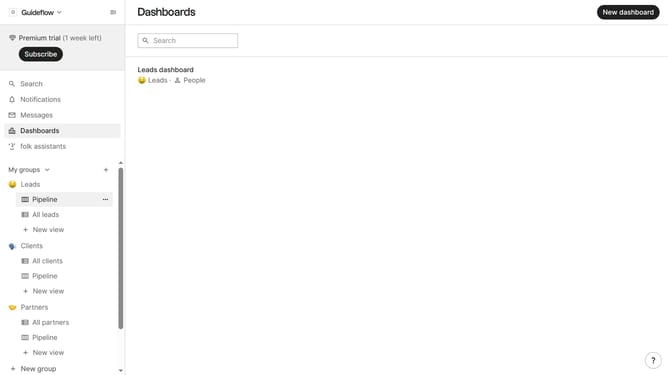
- First, click on a pipeline where you want to hide the "Emails field"
- Then click on the view icon in the top right of the page
- Finally click on the "Hide" icon next to "Emails" in the dropdown menu
Why should you hide the emails field in a pipeline view in Folk
Folk is a versatile platform designed to streamline team collaboration and manage customer interactions seamlessly.
One of Folk's practical features is the ability to hide the emails field in a pipeline view. This feature allows users to declutter their workspace by focusing on pertinent details, ensuring that sensitive information like emails isn't unnecessarily exposed during team discussions or presentations.
By minimizing distractions and enhancing privacy, hiding the emails field fosters a more efficient workflow, enabling teams to concentrate on crucial tasks with greater clarity and confidence.
Last update