How to create a company size count metric chart in Folk
Here is how to create a company size count metric chart in folk
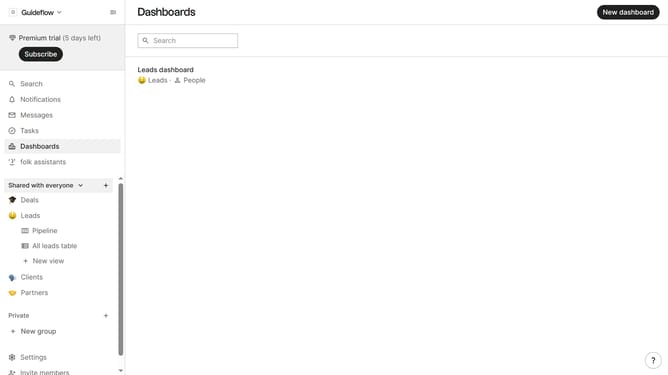
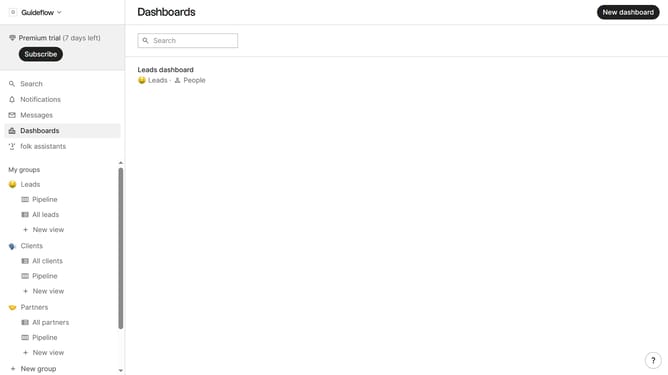
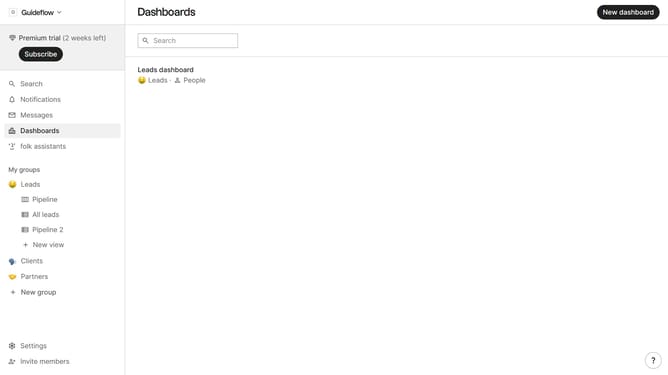
- First click on the dashboard where you want to create company size count metric chart
- Then click on "Add chart" button in the header
- Next click on the "Measure" dropdown option
- Then hover your mouse cursor over the "Count" option
- Next click on "Company size" option
- Finally click on "Save" button in the modal
Why should you create a company size count metric chart in Folk
Folk is a versatile tool designed to streamline organization and enhance team collaboration.
Creating a company size count metric chart in Folk streamlines data visualization, allowing you to seamlessly evaluate the composition of enterprises by employee numbers.
This feature enhances decision-making by providing clear insights into the organizational landscape, empowering you to tailor strategies effectively.
By harnessing this feature, businesses can optimize their engagement tactics, ensuring better alignment with companies of various sizes.
Last update