How to show the next steps field in the pipeline in Folk
Here is how to show the next steps field in the pipeline in folk
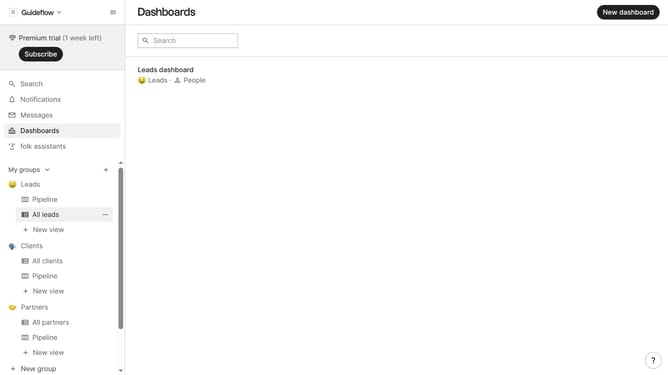
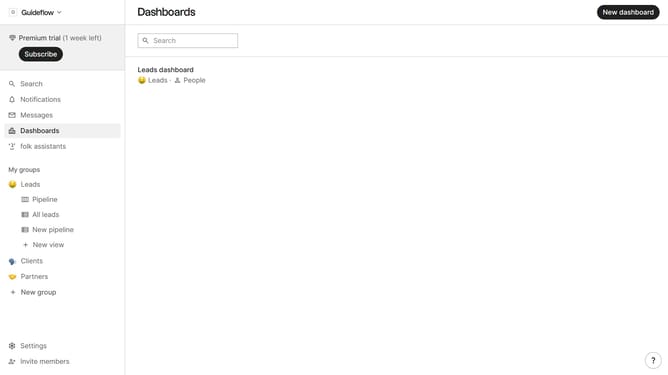
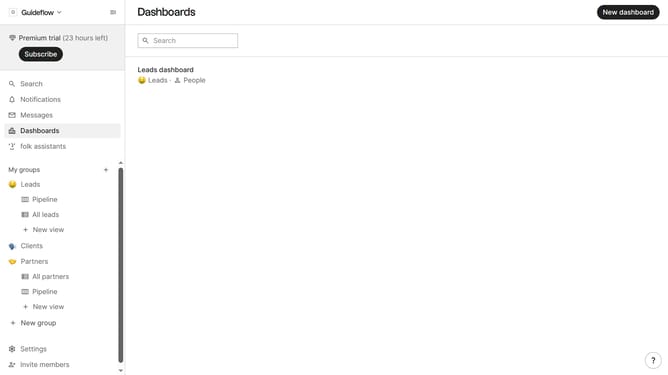
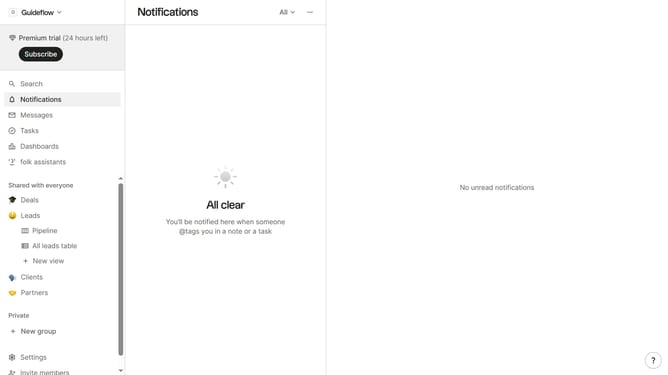
- First click on the "Pipeline" option in the left sidebar under the group where you want to show the "Next steps" field
- Then click on the "View" button in the top menu
- After that, scroll down to view more options
- Finally click on the "View" icon next to "Next steps" in the list of fields
Why should you show the next steps field in the pipeline in Folk
Folk is an innovative relationship management tool designed to streamline your interactions and communication.
By showing the next steps field in the pipeline, Folk empowers users with a visual roadmap to manage tasks efficiently.
This feature keeps teams aligned, ensuring everyone knows exactly what to do next without ambiguity.
The organized view provided by the next steps field optimizes productivity and enhances project completion rates.
Last update