How to show the companies field in a table view in Folk
Here is how to show the companies field in a table view in folk
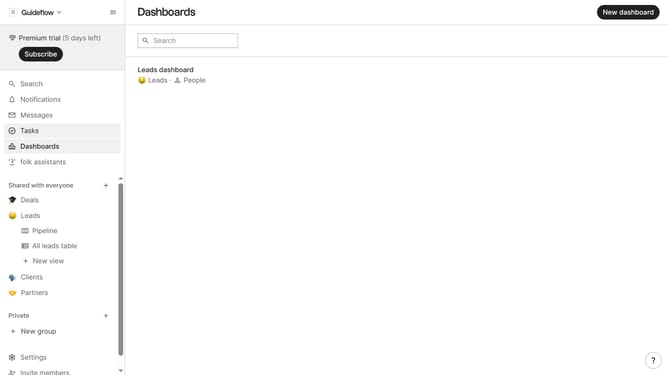
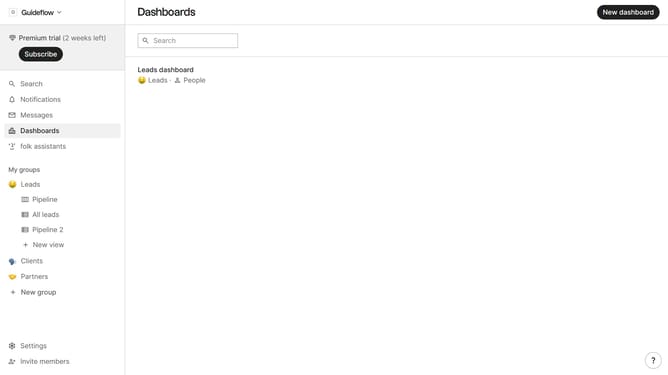
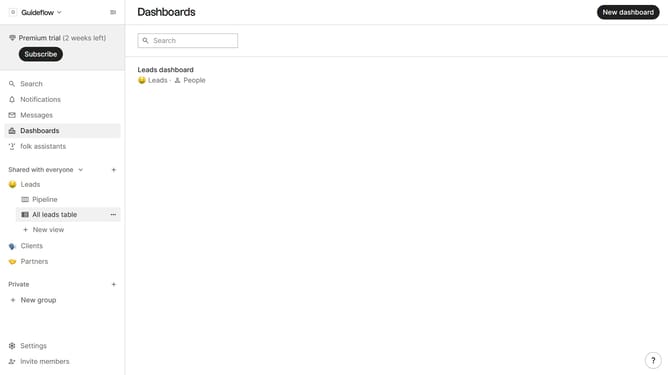
- First, click on the table view where you want to show the companies field
- Then click on the view icon in the top right of the page
- Finally click on the "View" icon next to "Companies" in the dropdown menu
Why should you show the companies field in a table view in Folk
Folk is a dynamic platform designed to streamline client management and communication.
Displaying the companies field in a table view in Folk enriches data visibility, providing a comprehensive overview of your business contacts.
This feature allows users to instantly access detailed company information, making it easier to analyze relationships and optimize resource allocation.
By organizing data effectively, Folk empowers teams to make informed decisions, enhancing workflow efficiency and strengthening business strategies.
Last update