How to filter tasks by person in Folk
Here is how to filter tasks by person in folk
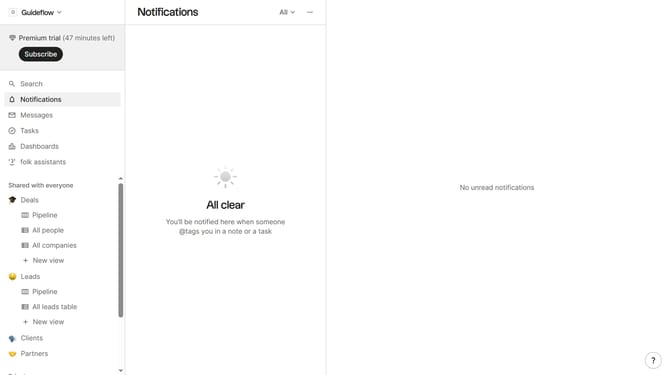
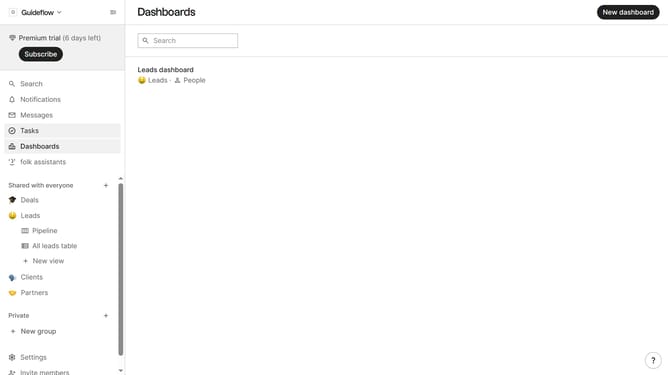
- First click on "Tasks" in the sidebar
- Then click on the "Add filter" button
- Next select "Person" from the filter options
- Finally, select the checkbox next to the person you want to filter from the dropdown menu
Why should you filter tasks by person in Folk
Folk is an intuitive tool designed to streamline team productivity by effectively managing tasks and contacts.
One of Folk's standout features is the ability to filter tasks by person. This ensures that team members can easily view their responsibilities, focusing on what aligns with their role.
Using this feature brings clarity and efficiency, helping teams avoid overlap while concentrating on individual contributions. It's an essential component for maintaining organized workflows and enhancing collaboration across projects.
Last update