How to create a deal value count metric chart in Folk
Here is how to create a deal value count metric chart in folk
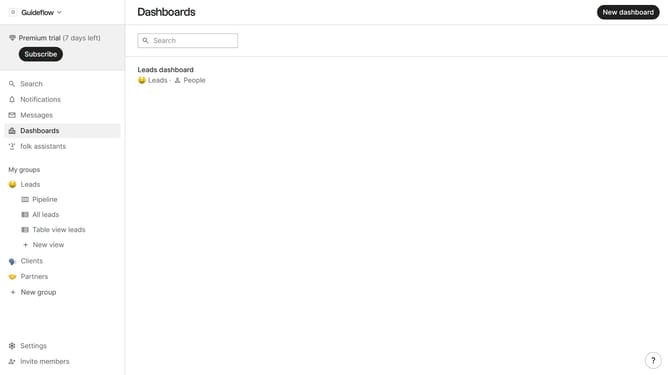
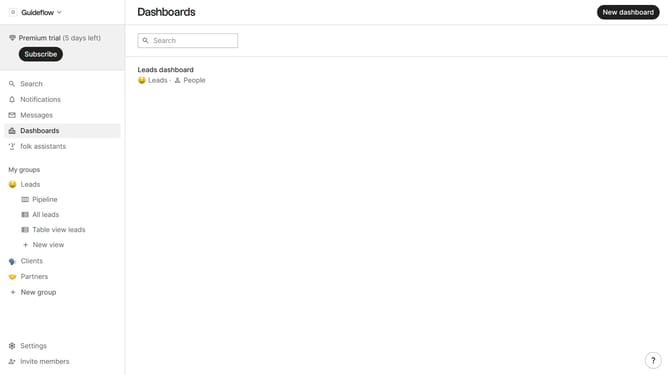
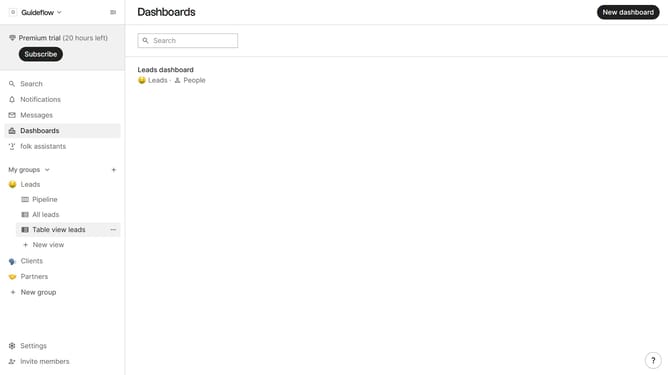
- First click on the dashboard where you want to create deal value count metric chart
- Then, click on the "Add chart" button
- Next, click on the "Select a field" dropdown menu
- Then, hover your mouse cursor over the "Count" option
- After that, click on "Deal value" to select it
- Finally, click on the "Save" button
Why should you create a deal value count metric chart in Folk
Folk is a cutting-edge CRM platform designed to streamline communication and enhance team collaboration.
Creating a deal value count metric chart in Folk allows users to visualize and analyze the total value and frequency of deals. This feature makes it easy to spot trends and assess performance quickly.
Utilizing this chart helps businesses understand their sales pipeline's health, guiding strategic decisions to optimize revenue opportunities.
Overall, it's a powerful tool for driving data-driven decisions and boosting sales effectiveness.
Last update