How to show the last funding date(company) field in a table view in Folk
Here is how to show the last funding date(company) field in a table view in folk
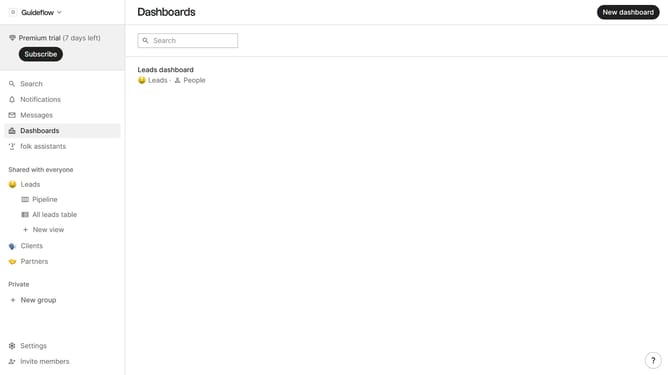
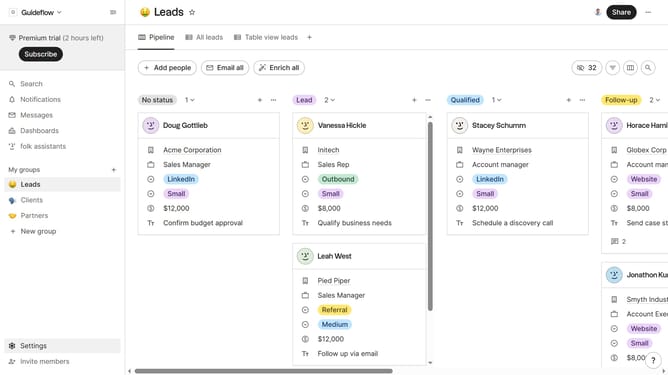
- First, click on a table view where you want to show the last funding date(company) field
- Then click on the view icon in the top right of the page
- Next, scroll down in the dropdown menu
- Finally click on the "View" icon next to "Last funding date(company)" in the dropdown menu
Why should you show the last funding date(company) field in a table view in Folk
Folk is an intuitive and powerful platform designed to optimize your relationship management.
Incorporating the 'last funding date' field into your company table view on Folk adds significant value. By effortlessly displaying recent funding events, you can stay informed about a company's financial health and growth trajectory.
This feature enhances decision-making processes by providing immediate insights into fiscal developments. Staying updated on funding milestones ensures that you are always equipped with current data, enabling strategic networking and engagement efforts with potential partners or investors.
Last update