How to sort a table view by email(company) in Folk
Here is how to sort a table view by email(company) in folk
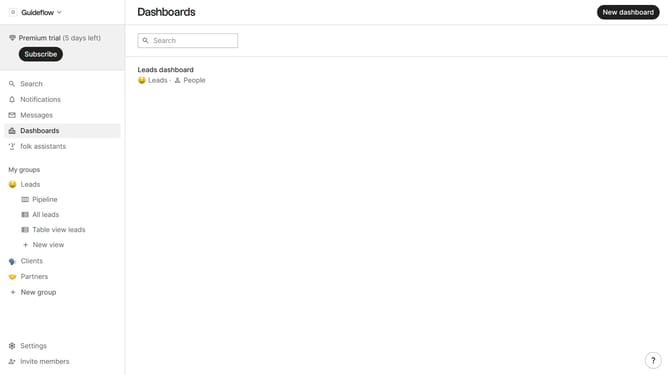
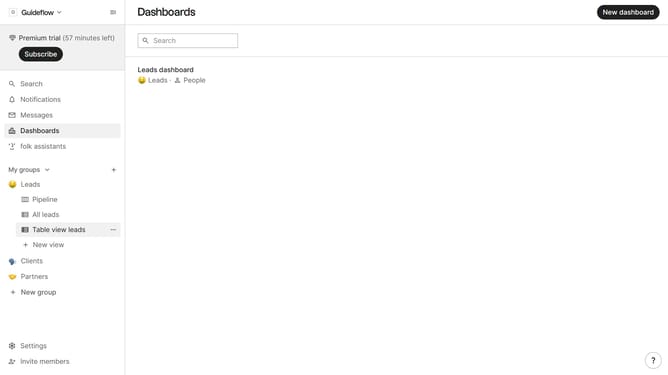
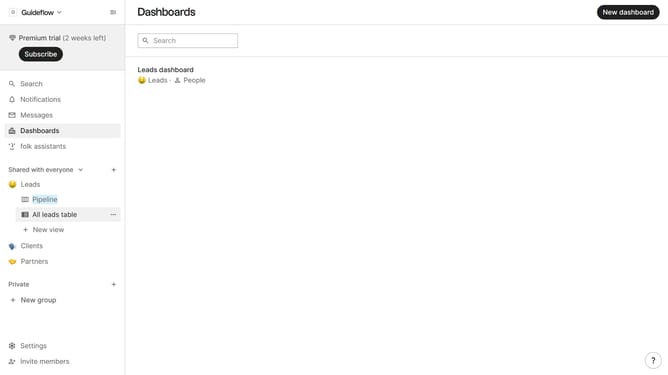
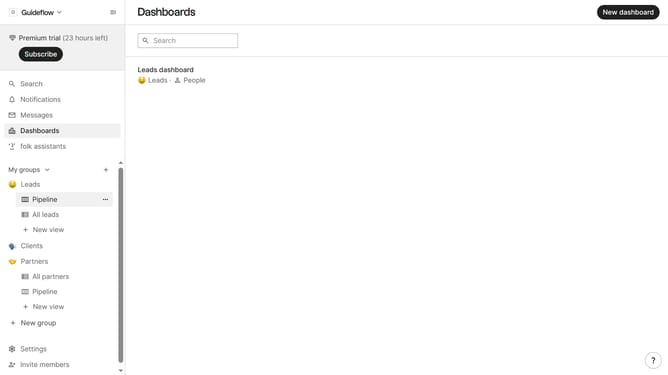
- First, click on the table view where you want to sort by "Email(company)"
- Then click on the sort button in the top menu
- Next, click on the "Sort by" dropdown button
- Then, scroll down in the dropdown menu
- Finally click on "Email (company)" button in the menu list
Why should you sort a table view by email(company) in Folk
Folk is a powerful tool designed to streamline relationship management and enhance organizational efficiency.
The ability to sort a table view by email(company) in Folk empowers users to effortlessly organize data.
This feature provides clarity and quick access to information, ensuring smoother collaboration and decision-making processes.
By easily organizing contacts by company email, team members can identify key stakeholders and maintain focused communication strategies.
Last update