How to disable email notifications for object assignments in Folk
Here is how to disable email notifications for object assignments in folk
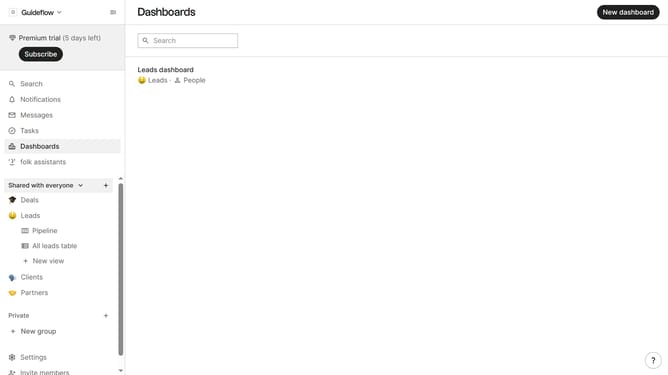
- First click on "Settings" in the left sidebar
- Then click on "Notifications" option in the left sidebar
- Finally uncheck the "I'm assigned to an object" checkbox
Why should you disable email notifications for object assignments in Folk
Folk is a dynamic tool designed to streamline team collaboration and project management effortlessly.
By disabling email notifications for object assignments in Folk, users can maintain a clutter-free inbox, allowing for a more focused workflow.
This feature is perfect for those who prefer to manage notifications within the app itself, enhancing productivity by reducing distractions from constant email alerts.
Ultimately, it promotes a seamless working environment, where team members can concentrate on their tasks without unnecessary interruptions.
Last update