How to hide the birthday field in a pipeline view in Folk
Here is how to hide the birthday field in a pipeline view in folk
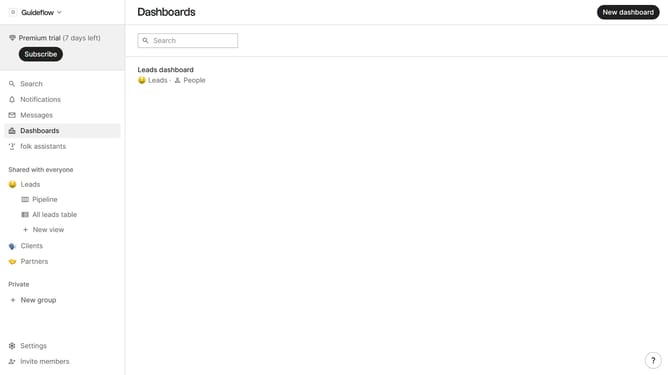
- First, click on a pipeline view where you want to hide the "Birthday field"
- Then click on the view icon in the top right of the page
- Finally click on the "Hide" icon next to "Birthday" in the dropdown menu
Why should you hide the birthday field in a pipeline view in Folk
Folk is an intuitive platform designed to streamline your contact management with ease.
Customizing your pipeline view in Folk becomes even more efficient with the ability to hide specific fields like the birthday field. This feature not only declutters your workspace but also ensures that you focus on the most critical data relevant to your current needs.
Hiding redundant or non-essential fields can significantly enhance your workflow and improve data organization, allowing for a more tailored and efficient experience. By optimizing your view, you enhance productivity and maintain privacy, highlighting Folk’s flexibility in adapting to your unique preferences.
Last update