How to create a no need lost reason ratio chart in Folk
Here is how to create a no need lost reason ratio chart in folk
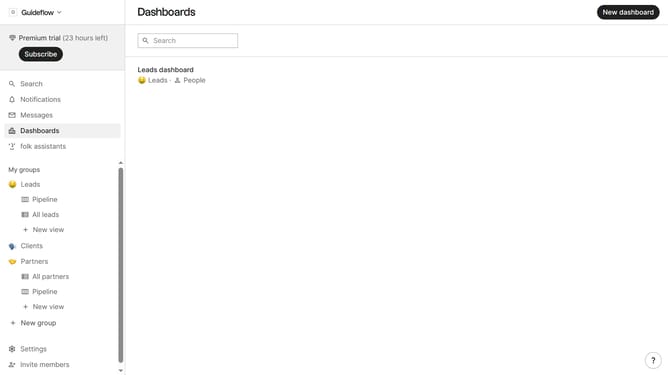
- First, click on "Dashboards" in the left sidebar
- Then click on the dashboard where you want to a no need lost reason ratio chart
- Next, click on the "Add chart" button in the header
- Then click on the "Measure" dropdown option
- Next hover your mouse cursor over the "Ratio" option
- After that, hover your mouse cursor over the "Lost reason" option
- Then, click on "No need" in the select an option menu
- Finally, click on the "Save" button
Why should you create a no need lost reason ratio chart in Folk
Folk is a dynamic platform designed to optimize and streamline team management and collaboration.
Creating a no need lost reason ratio chart in Folk is an innovative feature that enhances data visualization and analysis.
This feature allows teams to efficiently track reasons behind unfinished tasks, offering clear insights into workflow impediments.
By utilizing this chart, you can easily identify and address productivity bottlenecks, ultimately fostering improved operational efficiency and decision-making.
Last update