How to copy name in a pipeline in Folk
Here is how to copy name in a pipeline in folk
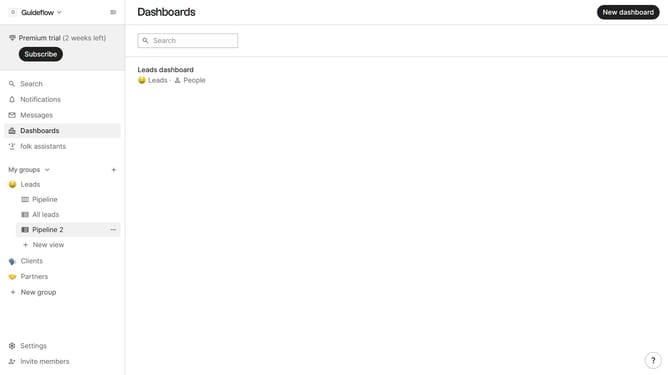
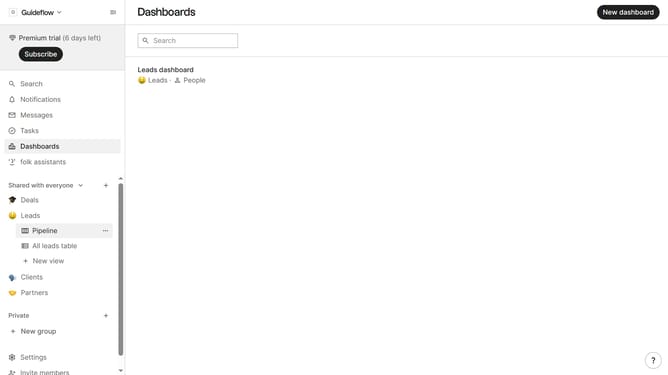
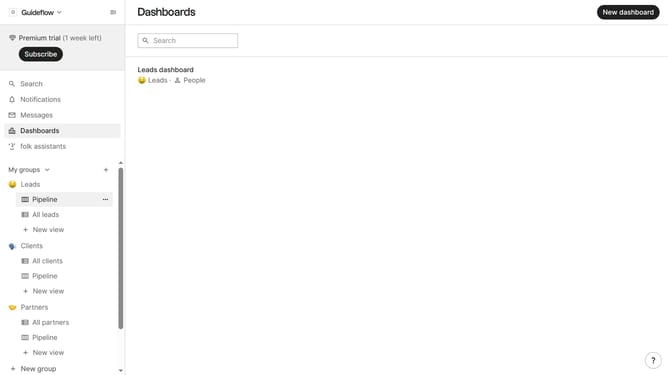
- First, click the "Pipeline" option in the left sidebar under the group where you want to copy a name
- Then, hover your cursor over the card whose name you want to copy
- Next, click the three-dot icon in the top-right corner of the card
- Finally select "Copy name" from the dropdown menu
Why should you copy name in a pipeline in Folk
Folk is a powerful tool designed to streamline collaboration and enhance productivity in team workflows.
The feature of copying a name in a pipeline within Folk brings simplicity and efficiency to project management.
It allows you to easily replicate information across various stages, ensuring consistency and reducing repetitive manual entry.
By using this functionality, teams can save time, minimize errors, and maintain seamless communication, enhancing overall workflow efficiency.
Last update