How to show the channel field in the pipeline in Folk
Here is how to show the channel field in the pipeline in folk
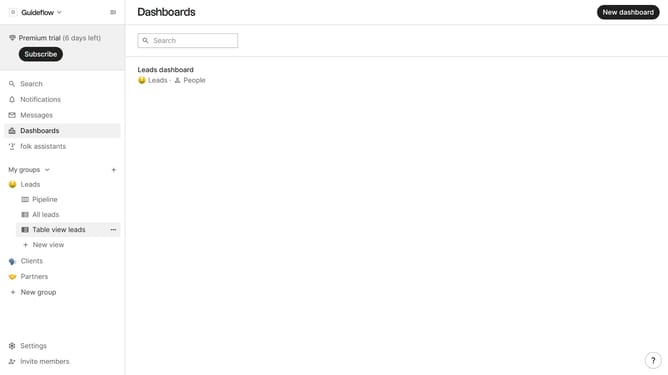
- First, click on the "Pipeline" option in the left sidebar under the group where you want to show the Channel field
- Then, in the header section, click on the "View" icon
- Next, scroll down in the dropdown menu
- Finally, click on the "View" icon next to "Channel" in the list of fields
Why should you show the channel field in the pipeline in Folk
Folk is an intuitive platform designed to streamline communication and pipeline management for teams.
One of the standout features in Folk is the ability to show the channel field in the pipeline. This aids users in categorizing interactions based on source, such as email, phone, or social media. By incorporating the channel field, teams can enhance their organizational strategy, easily track the origins of communication, and ensure more personalized follow-ups.
Understanding where and how communication arises empowers teams to make informed decisions, ultimately boosting efficiency and productivity. This simple inclusion in Folk's pipeline not only refines processes but fosters improved engagement within workflows.
Last update