How to create a bar chart for company size count in Folk
Here is how to create a bar chart for company size count in folk
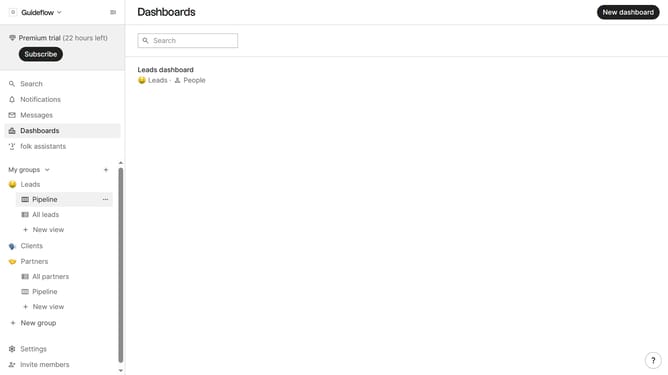
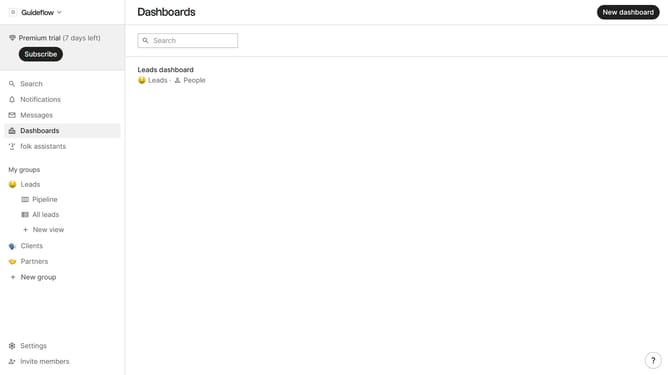
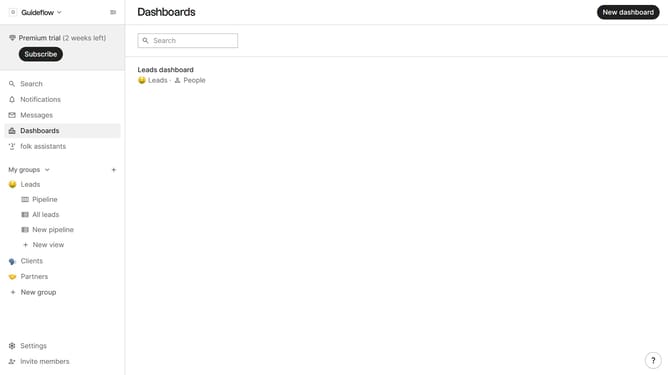
- First click on "Dashboards" in the sidebar
- Next click on the dashboard where you want to create a bar chart for company size count
- Then click on the "Add chart" button
- Then click the "Chart type" dropdown button
- Next click on the "Bar" option from the dropdown menu
- Then click on the "Measure" dropdown button
- Next hover your mouse cursor over the "Count" menu
- Then click on the "Company size" option from the dropdown menu
- Next click on the "View by" dropdown button
- Then click on your preferred view option from the menu that appears
- Finally click on the "Save" button
Why should you create a bar chart for company size count in Folk
Folk is an intuitive tool designed to enhance team collaboration and streamline data management.
Creating a bar chart for company size count in Folk is straightforward and efficient. This feature allows users to visually analyze and display data, making it easier to comprehend complex information at a glance.
Using this feature can significantly boost decision-making processes, as it provides clear insights into company demographics. This not only aids in resource allocation but also facilitates strategic planning. Embrace the power of visual data interpretation with Folk for a more efficient workflow.
Last update