How to show the last interaction by field in a table view in Folk
Here is how to show the last interaction by field in a table view in folk
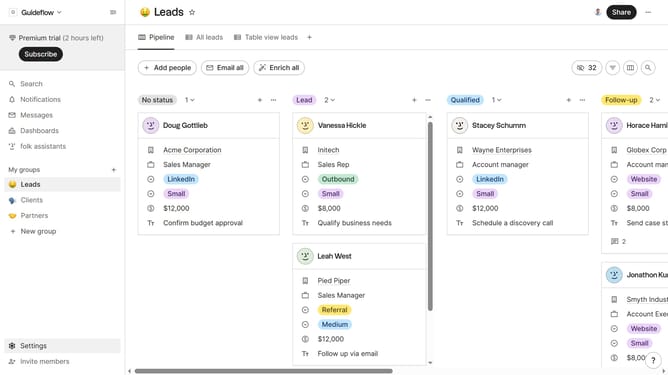
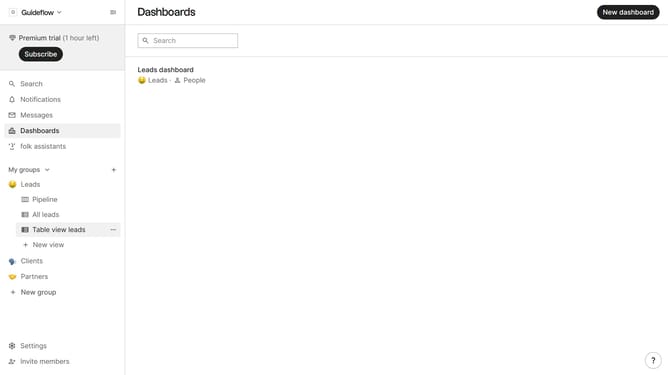
- First, click on a table view where you want to show the last interaction by field
- Then click on the view icon in the top right of the page
- Finally click on the "View" icon next to "Last interaction by" in the dropdown menu
Why should you show the last interaction by field in a table view in Folk
Folk is a dynamic tool designed to streamline communication and foster collaboration within teams.
By displaying the last interaction by field in a table view, Folk enhances transparency and efficiency in your workflow. This feature succinctly presents the most recent engagement with contacts, making it easier to track communication history.
Utilizing this feature can significantly enhance productivity by allowing team members to quickly discern the status of interactions. It ensures everyone is on the same page, optimizing coordination and resource allocation.
Last update