How to hide your last interactions field in a table view in Folk
Here is how to hide your last interactions field in a table view in folk
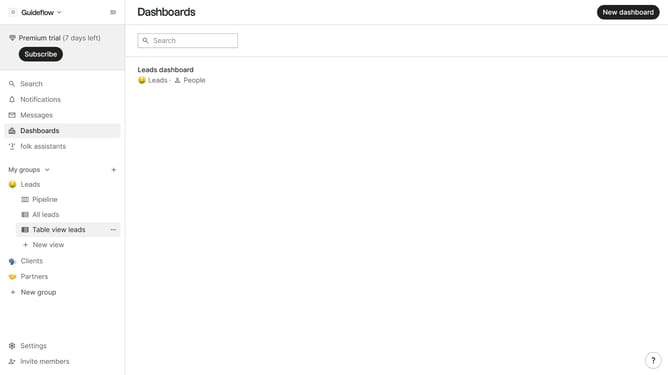
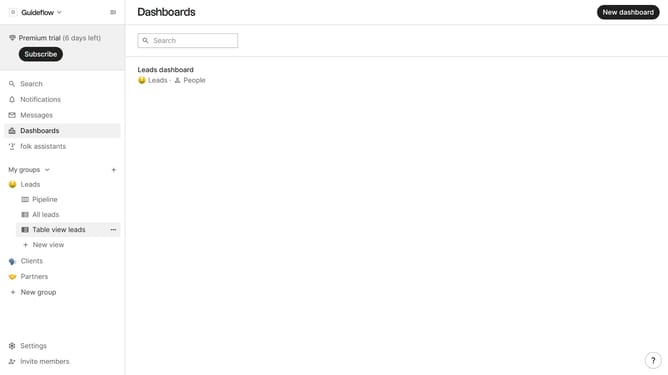
- First, click on a table view where you want to hide the "Last interactions field"
- Then click on the view icon in the top right of the page
- Finally click on the "Hide" icon next to "My last interactions" in the dropdown menu
Why should you hide your last interactions field in a table view in Folk
Folk is a dynamic platform designed to streamline and enhance team collaboration and communication.
One of its noteworthy features is the ability to hide the "last interactions" field in a table view. This provides a cleaner, more focused display, allowing users to concentrate on the most relevant data points without unnecessary clutter.
By decluttering your view, you can maintain privacy and boost efficiency, ensuring that important metrics take center stage and team collaboration remains seamless.
Last update