How to create a website ratio chart in Folk
Here is how to create a website ratio chart in folk
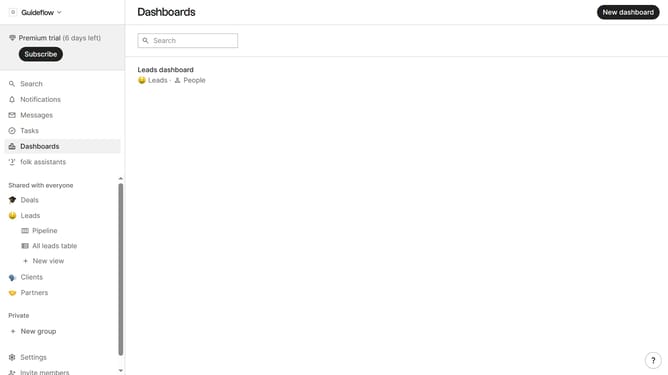
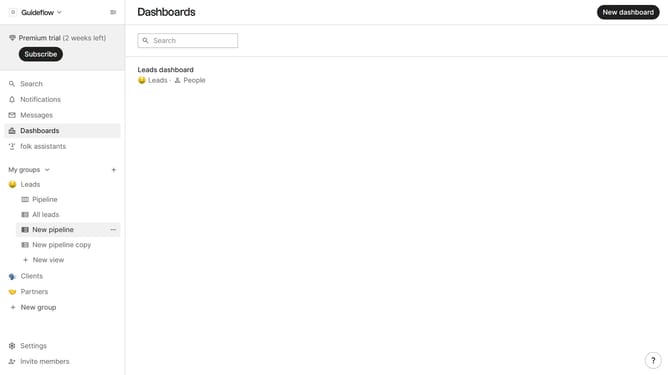
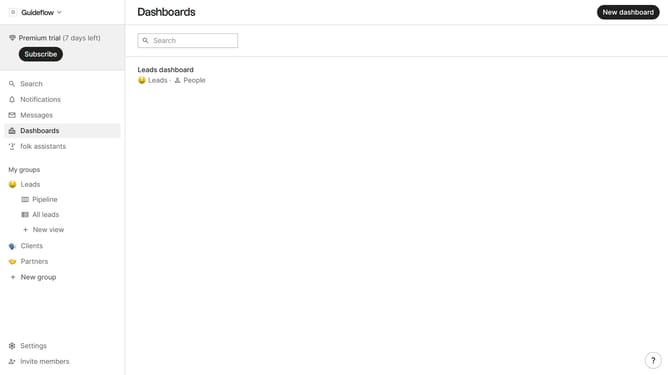
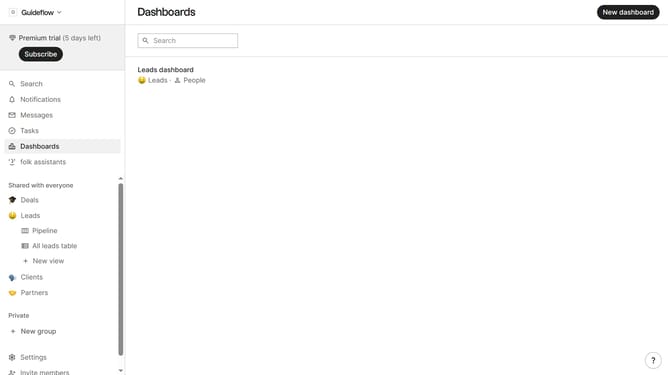
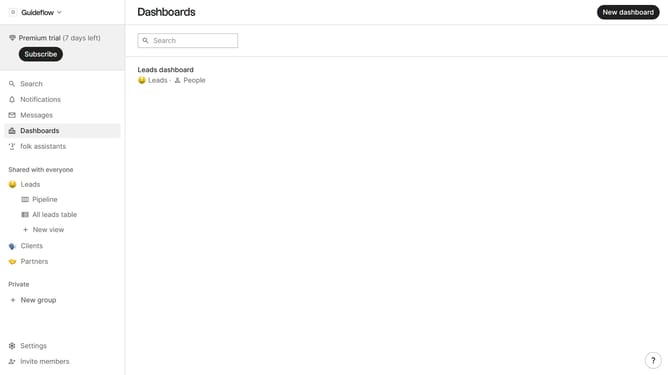
- First click on the dashboard where you want to create a website ratio chart
- Then click on "Add chart" button in the header section
- Next click on the "Measure" dropdown option
- Then hover your mouse cursor over the "Ratio" option
- Next hover your mouse cursor over the "Channel" option
- Then click on "Website" option
- Finally click on "Save" button in the bottom of the modal
Why should you create a website ratio chart in Folk
Folk is an innovative platform designed to seamlessly manage and organize your contacts with ease.
Creating a website ratio chart in Folk is a straightforward process that streamlines and visualizes your website's data. This feature enables users to assess key metrics effortlessly, providing clear insights into performance.
Using a website ratio chart helps identify strengths and opportunities for improvement, allowing for data-driven decisions. The intuitive interface of Folk ensures a smooth experience while creating these insightful visual representations.
Last update