How to sort a table view by address in Folk
Here is how to sort a table view by address in folk
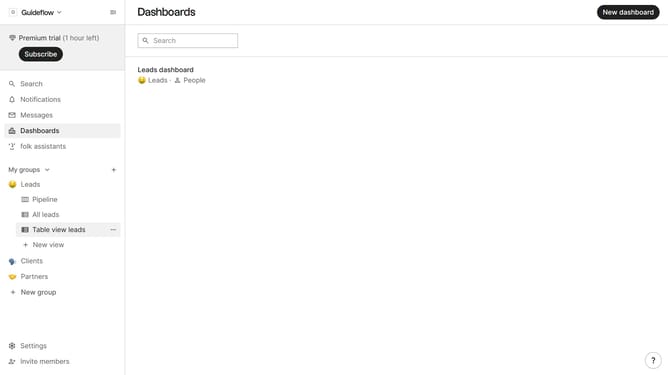
- First, click on the table view where you want to sort by "Address"
- Then click on the sort icon in the header
- Next, click on the "Sort by" dropdown button
- Then scroll down in the dropdown menu to view more options
- Finally, click on the "Address" option in the list
Why should you sort a table view by address in Folk
Folk is an innovative tool designed to enhance team collaboration through efficient contact management.
One of the notable features of Folk is the ability to sort a table view by address. This feature is powerful for organizations that work with location-based data and need to streamline their communication efforts.
Sorting by address allows users to easily organize and access contact information based on geographical location, making it straightforward to plan meetings, marketing, or logistics efforts, ultimately saving time and optimizing team operations.
Last update