How to sort a table view by team last interaction in Folk
Here is how to sort a table view by team last interaction in folk
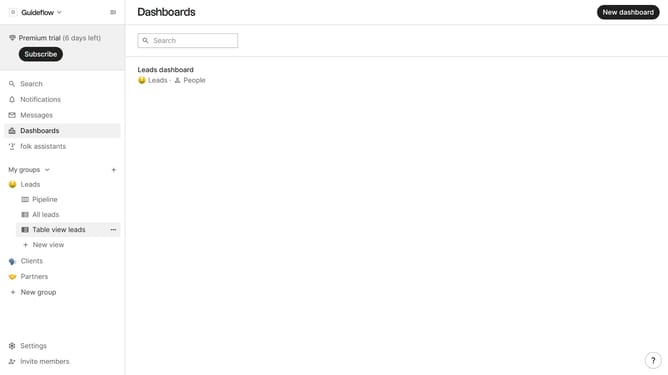
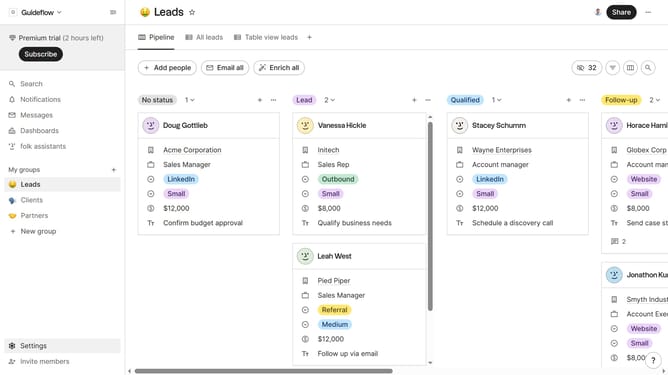
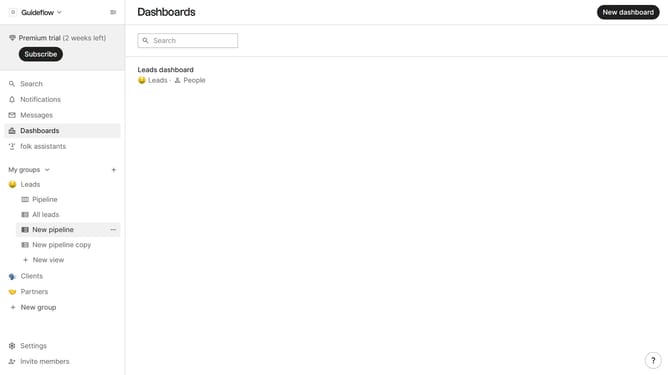
- First, click on the table view where you want to sort by "Team last interaction"
- Then click on the sort icon in the header
- Next, click on the "Sort by" dropdown button
- Finally select "Team last interaction" from the sort options
Why should you sort a table view by team last interaction in Folk
Folk is an innovative tool designed to streamline team collaboration by organizing contact data efficiently.
The ability to sort a table view by team last interaction in Folk is a valuable feature, making it simple to track recent engagements. This feature ensures you never lose sight of the most current touchpoints, facilitating better relationship management.
Using this sort feature allows teams to prioritize follow-ups effectively, enhancing productivity by keeping focus on the most timely matters. It promotes better communication and strengthens team interactions through maintainable oversight.
Last update