How to group pipeline by channel in Folk
Here is how to group pipeline by channel in folk
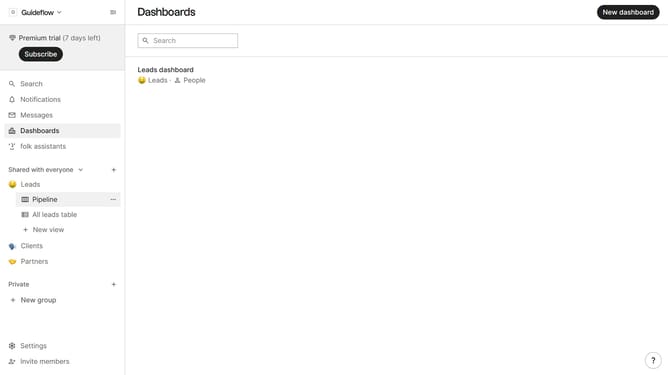
- First, click the "Pipeline" option in the left sidebar under the group where you want to group by channel
- Then click on the "Pipeline" view options icon
- Finally select "Channel" from the "Group by" dropdown menu
Why should you group pipeline by channel in Folk
Folk is an innovative tool designed to streamline team communication and organization, effectively enhancing productivity.
One of the standout features in Folk is the ability to group your pipeline by channel, which simplifies tracking and managing different communication streams.
This functionality provides clarity by organizing your workflow according to specific channels, making it easier to monitor progress and allocate resources efficiently.
By leveraging this feature, teams can focus on what truly matters, optimizing their processes and driving successful outcomes with less effort.
Last update