How to calculate the sum in a pipeline column in Folk
Here is how to calculate the sum in a pipeline column in folk
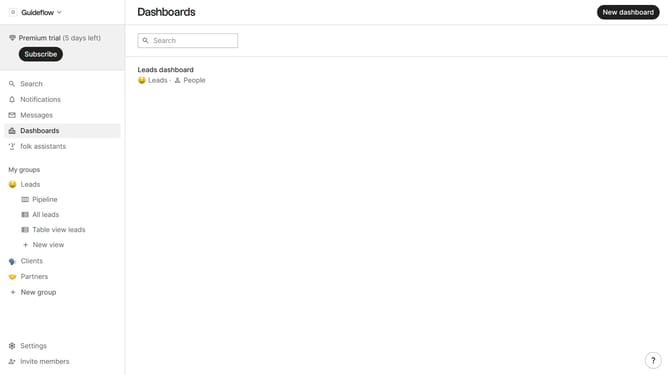
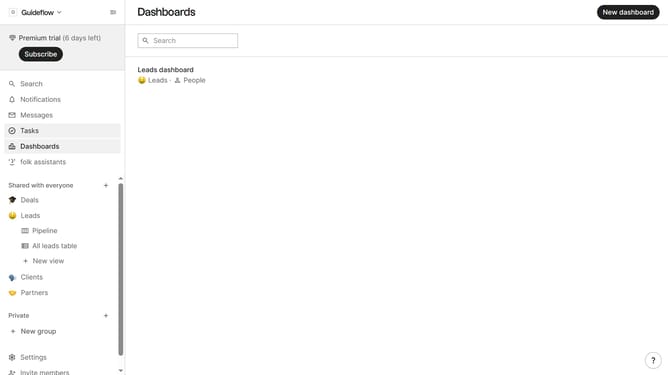
- First, click the "Pipeline" option in the left sidebar under the group where you want to calculate the sum of the deal value per column
- Then, click on the dropdown option next to the column label
- Next, hover your mouse cursor over the "Sum" from the dropdown options
- Finally, click on "Deal value" in the submenu
Why should you calculate the sum in a pipeline column in Folk
Folk is a streamlined platform purpose-built to enhance collaboration and workflow efficiency.
Calculating the sum in a pipeline column in Folk is a powerful feature that simplifies data analysis within projects. By enabling users to aggregate data effortlessly, it provides quick insights into the progress and outcomes of ongoing tasks.
This feature is beneficial for teams looking to efficiently manage numbers and ensure that everyone is aligned on project metrics, thus enhancing decision-making and strategic planning.
With its simplicity and speed, Folk allows users to make informed decisions faster, ultimately improving productivity and ensuring optimal resource allocation.
Last update