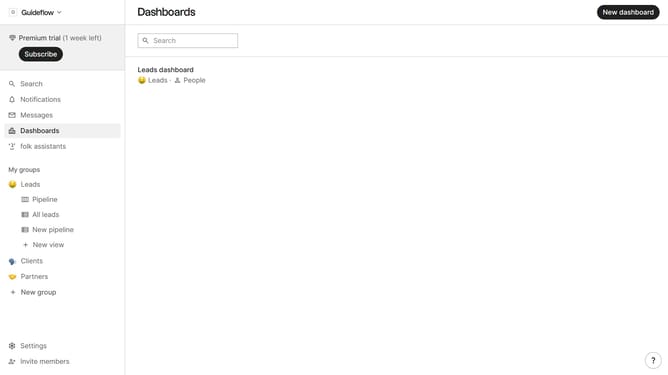
How to show the funding raised(company) field in a table view in Folk
Here is how to show the funding raised(company) field in a table view in folk
- First, click on a table view where you want to show the raised(company) field
- Then click on the view icon in the top right of the page
- Next, scroll down in the dropdown menu
- Finally click on the "View" icon next to "Raised(company)" in the dropdown menu
Why should you show the funding raised(company) field in a table view in Folk
Folk is a dynamic platform designed to streamline and visualize your company's data effortlessly.
One of its standout features is the ability to show the "funding raised" field in a table view. This feature organizes critical financial data in a visually appealing manner, offering a clear snapshot of your company's financial milestones.
Utilizing this feature enhances transparency and enables informed decision-making, facilitating better strategic planning and communication with stakeholders. It's a powerful way to keep track of financial progress with ease.
Last update